I’m new to using InstaLOD and I’d like to export my Optimized/Material-Merged object to my Unity URP project.
The problem that I’m having is that I don’t see how I can configure the export to match the file format that Unity expects.
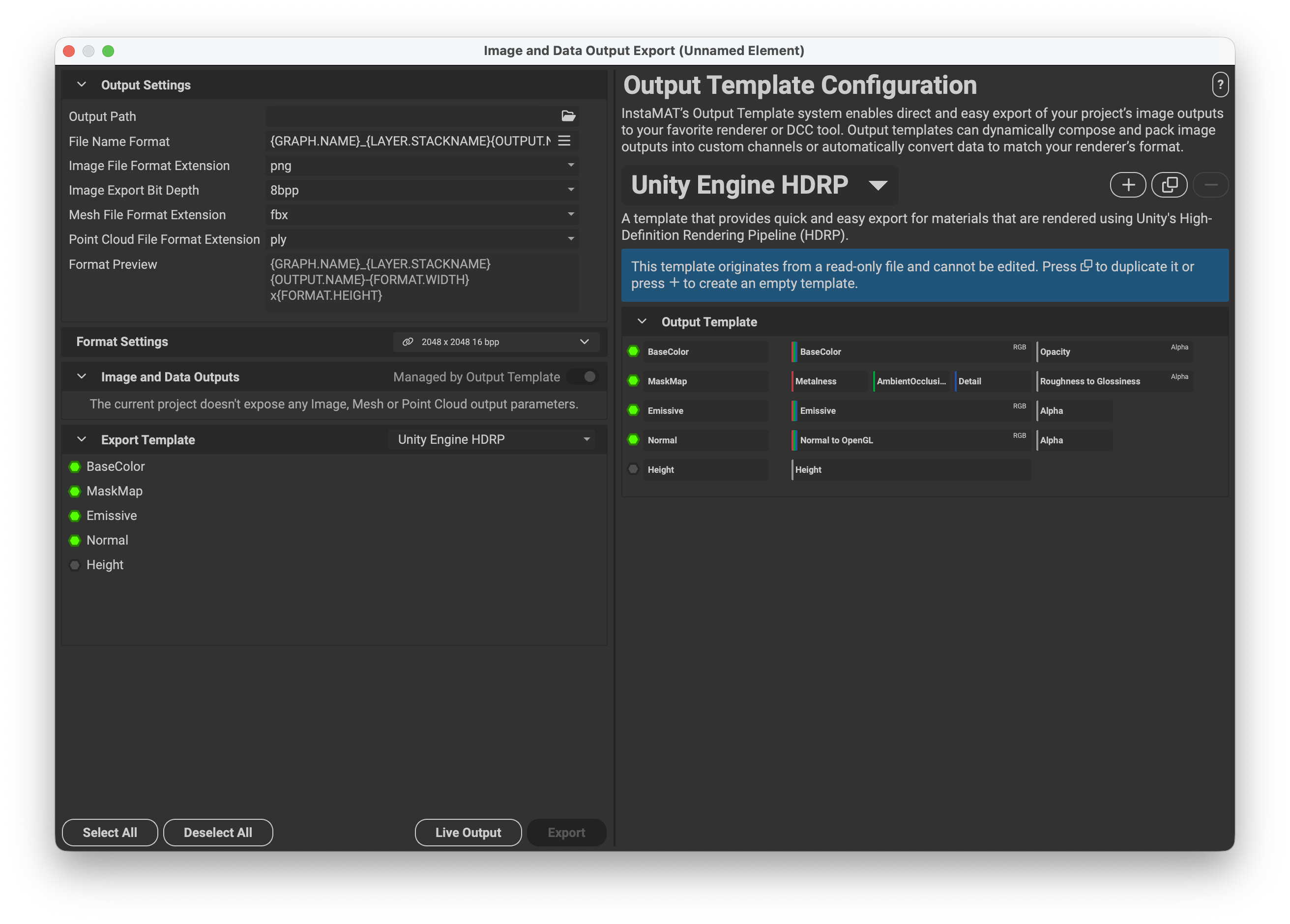
For example Metallic-Maps that Unity can work with are structured in a way that the metalness-values sit on the R channel of the texture and smoothness-values (inversed roughness) are placed on the A channel (G and B unused). How can I configure InstaLOD to export in the same fashion? Substance Designer for example offers a simple template-selection for different target applications during export. I kinda expect something similar.
(Also, having “only” the pioneers license I can not use the Unity Plugin)
InstaLOD doesn’t currently support exporting packed textures with specific mappings like you mentioned, however this can be done easily with InstaMAT. InstaMAT also has a free Pioneer License.
With InstaMAT you can configure export templates that channel pack, similar to how you described for Substance Designer.
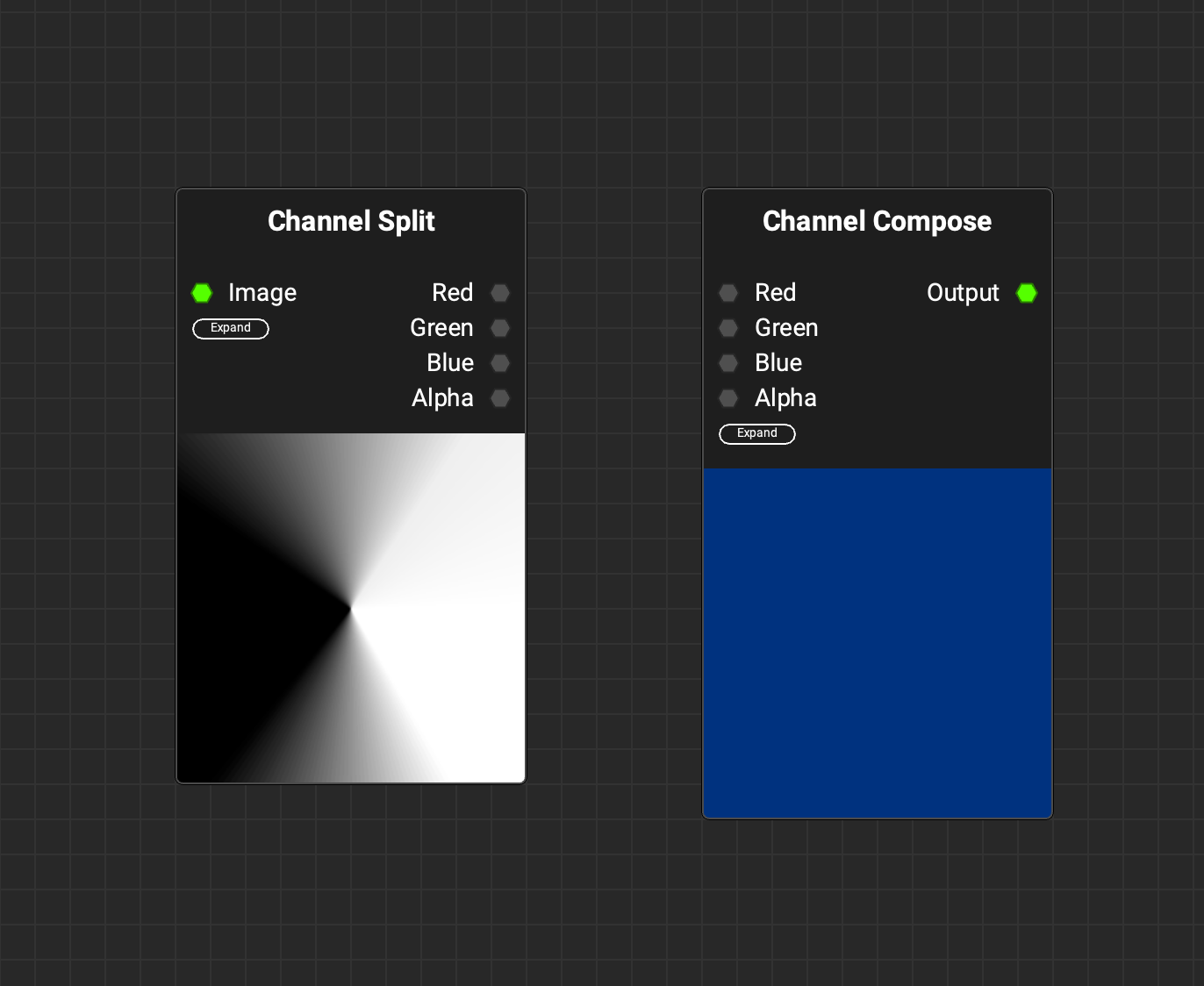
You could import your textures into InstaMAT and channel pack them this way, or you could create a custom element graph with nodes like Channel Split and Channel Compose, then expose graph outputs and use the export dialog to export those outputs as images.