View Custom Channel in 3D Viewport

I’m trying to view my tint mask custom channel in the viewport but it only lets me see the basic standard channels, how am I supposed to work on the tint mask without seeing it?

1 Like

Hello @Sleuthman and welcome to our community!

Thank you for the report, this seems to be a bug. I’ll report this internally and we will fix this in a future update.

Thanks!

Ok thanks, I noticed that you can’t see the bake maps either? Or is that a different key?
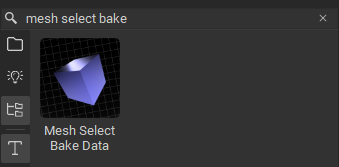
For the baked maps you can use the “Mesh Select Bake Data” node from the library and drag and drop it onto your model/layer stack. Make sure to set it to UV Projection:

Hope that helps, thanks!

1 Like