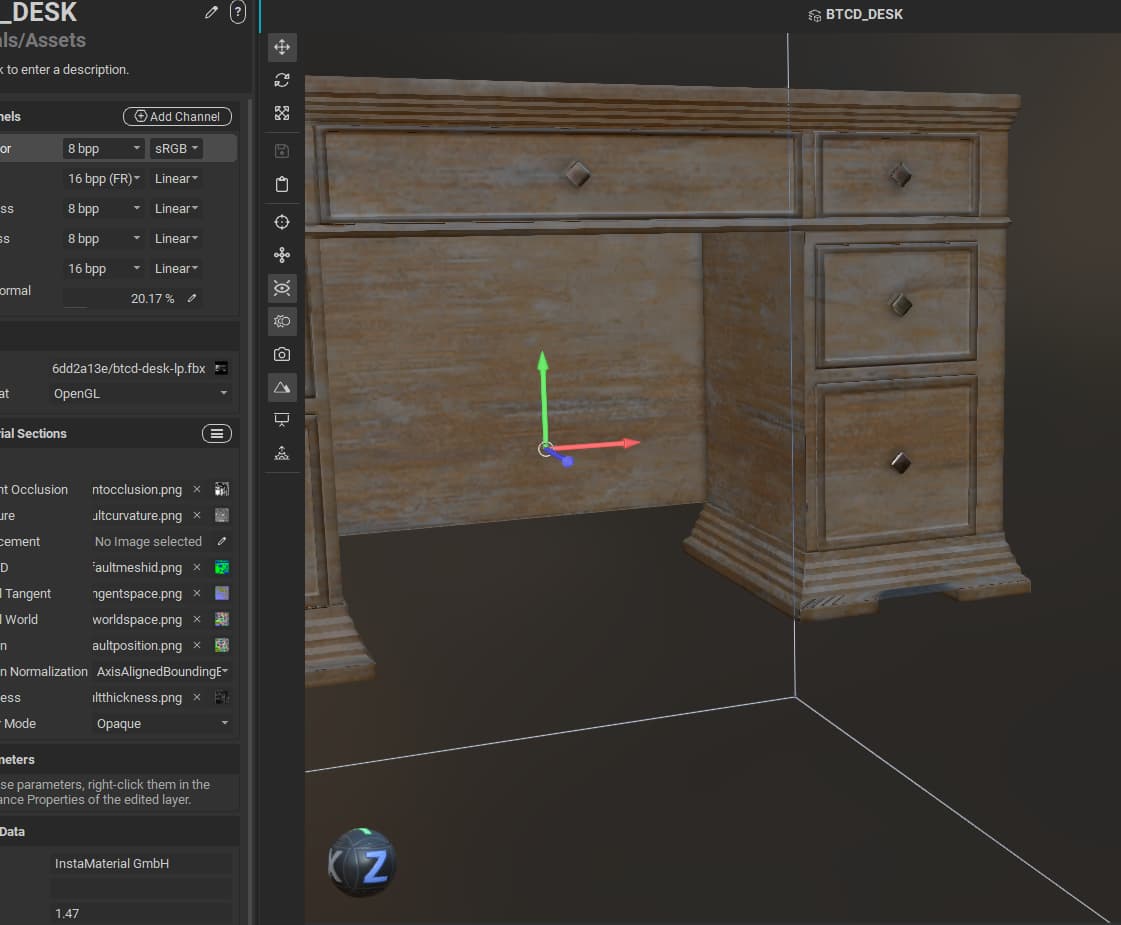
Checked normals and other maps, the black part is not visible in bakes, can’t find the culprit in materials too, any clue on why it might happen?
Hello @clazarts and welcome to our community!
It’s possible that there might be an issue with the UVs on the model, or that the textures require solidification. Would you be willing to provide the mesh to test with?
Thanks!
Hi, I am new to InstaMat, so my file might be cluttered.
Here is the link to the project and mesh files. DESK_Query – Google Drive
1 Like
Thanks @clazarts for sharing the project!
It looks like the culprit is related to the UVs in that area and the curvature mask settings for the Element Layer with the Turbulent Perlin Noise.
When adjusting the blur of the curvature mask, we can see the stretching in the UVs which is causing a dark spot near the bottom of the desk.
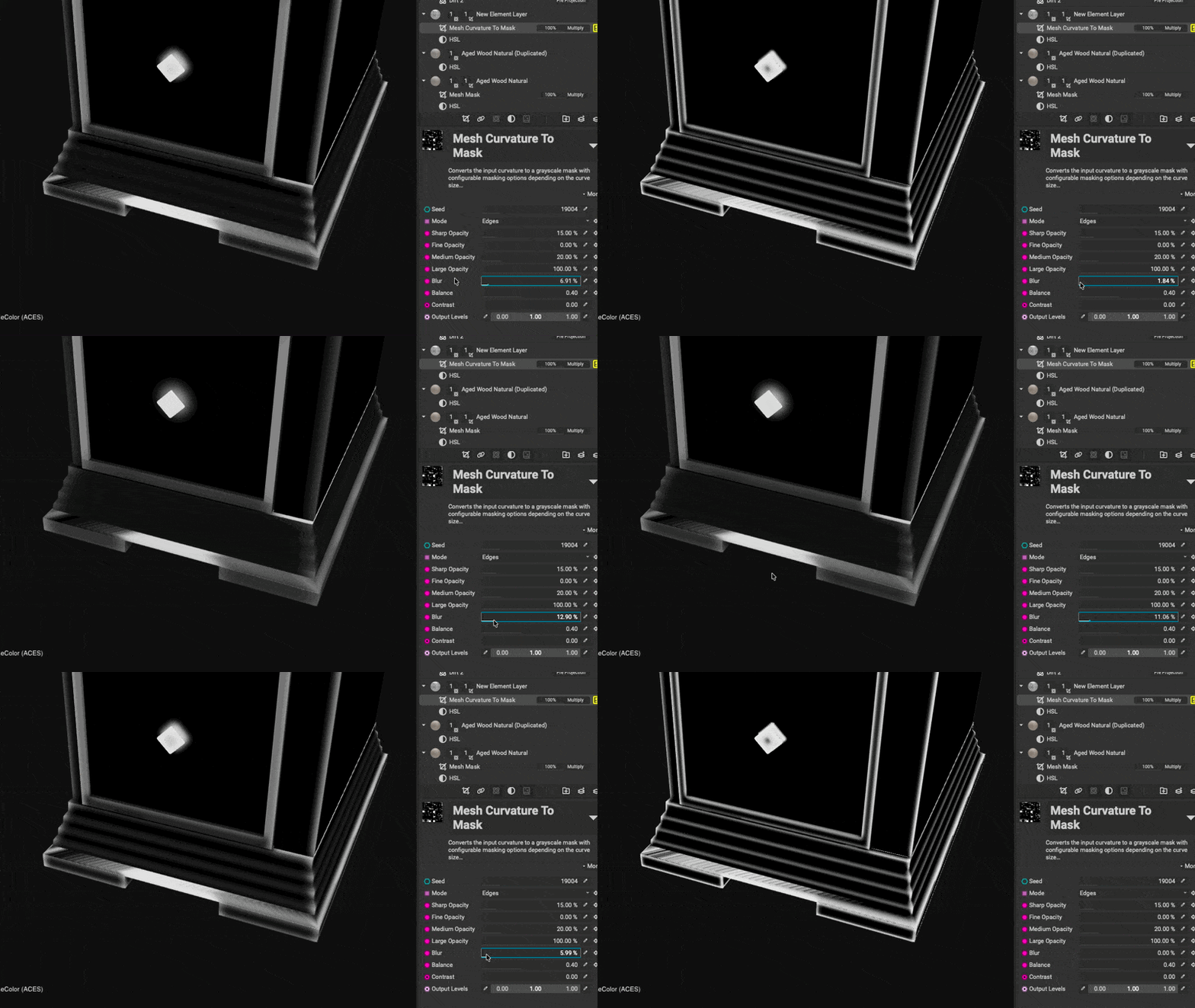
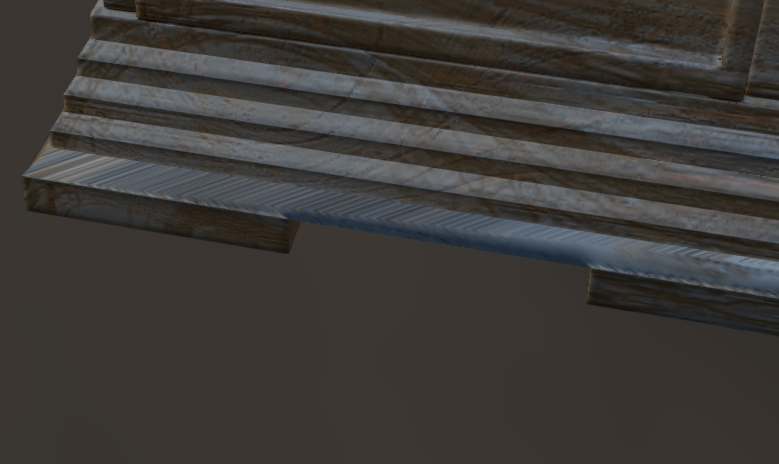
I was able to re-unwrap the UVs of the model with InstaMAT’s Element Graph. Here’s a quick article on this if you’re curious and also a video on our YouTube channel.
- Automatically Unwrap a Mesh's UVs with the Mesh UV Unwrap Node | InstaMAT Documentation
- https://youtu.be/Y-XpLqU8J5w?si=ojJ6bqNxcGFt2DER
With the unwrap strategy of Hardsurface Axial, the UVs could be unwrapped with minimal stretching.
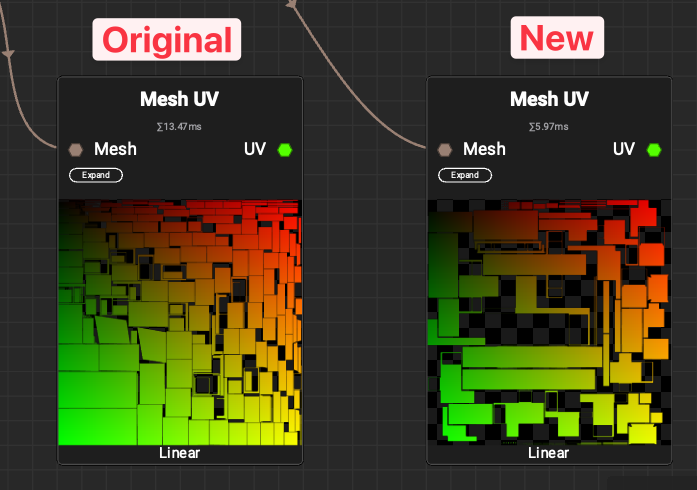
Adjusting the curvature mask settings also improves the result.
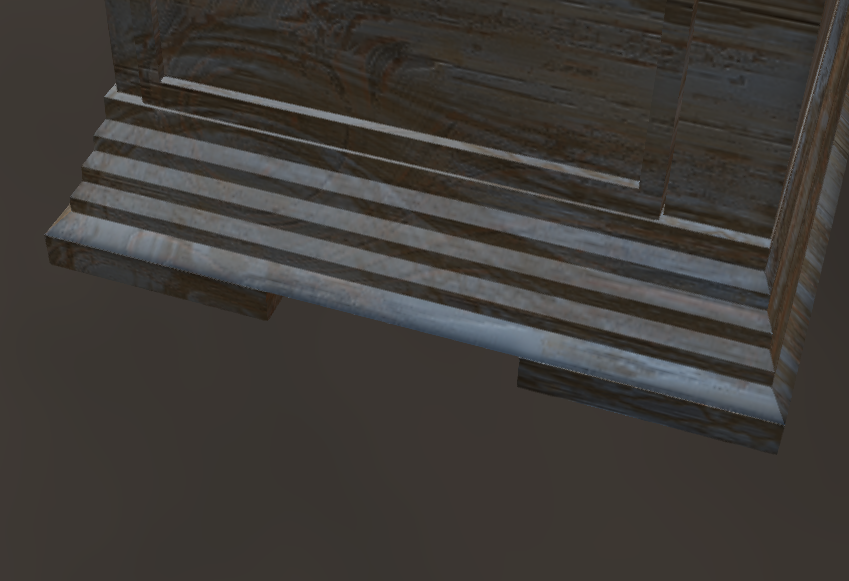
I hope this helps and if you have any questions, feel free to ask!
Thanks!
1 Like
Thank you for the help. 
1 Like
You’re welcome!  Let me know if you have any more questions!