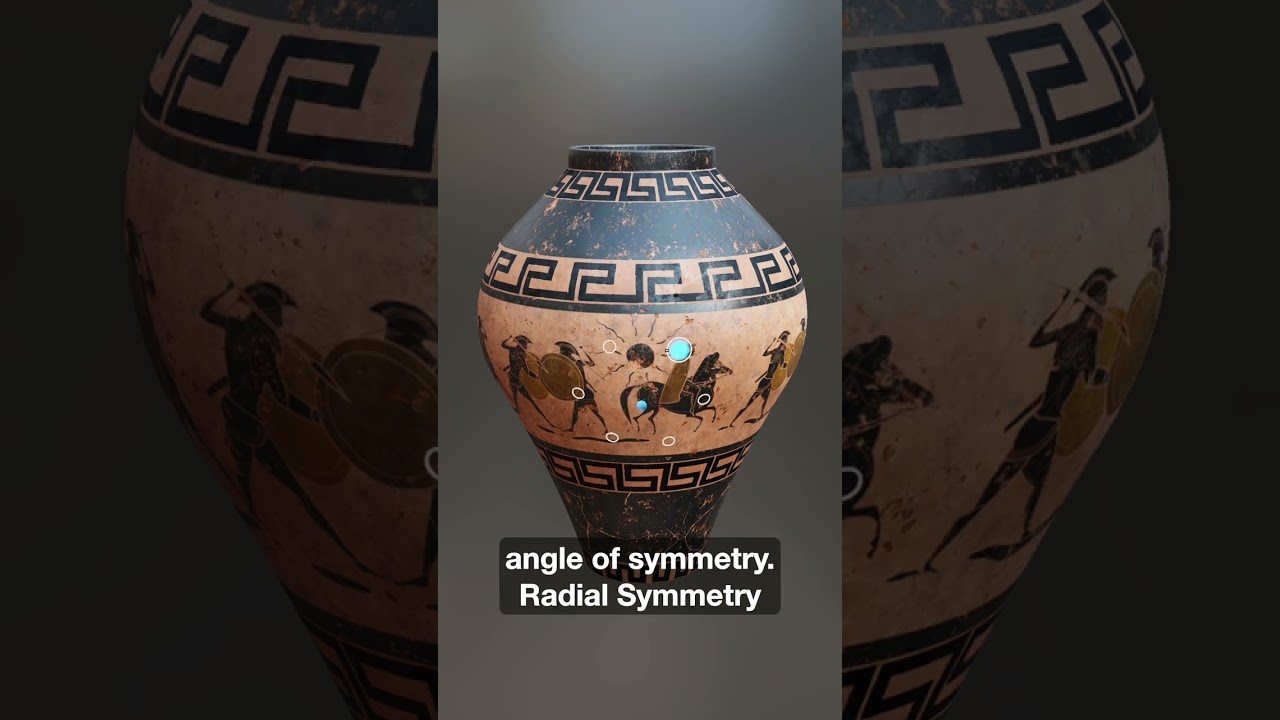
Radial Symmetry in InstaMAT 2026 is here, and it makes creating repeating patterns around a central axis incredibly fast.
Create a new brush layer, then in the Painting toolbar choose Symmetry → Radial Symmetry. From there you can:
 Increase the count to duplicate your brush strokes
 Adjust the axis to change the angle of symmetry
It’s especially useful for cylindrical assets like vases and barrels when you want clean, complex designs without manually repainting patterns by hand.
 Check out the new short below!
Follow InstaMAT on X: x.com
Subscribe to Abstract’s YouTube Channel: https://www.youtube.com/@Abstract-Official