Hi there,
I’m creating textures for games. My goal is to create an object with several texture versions while using just a single texture map to host all the variants.
My intention is to shift the UVs inside the game engine to display the related texture area.
So now my question:
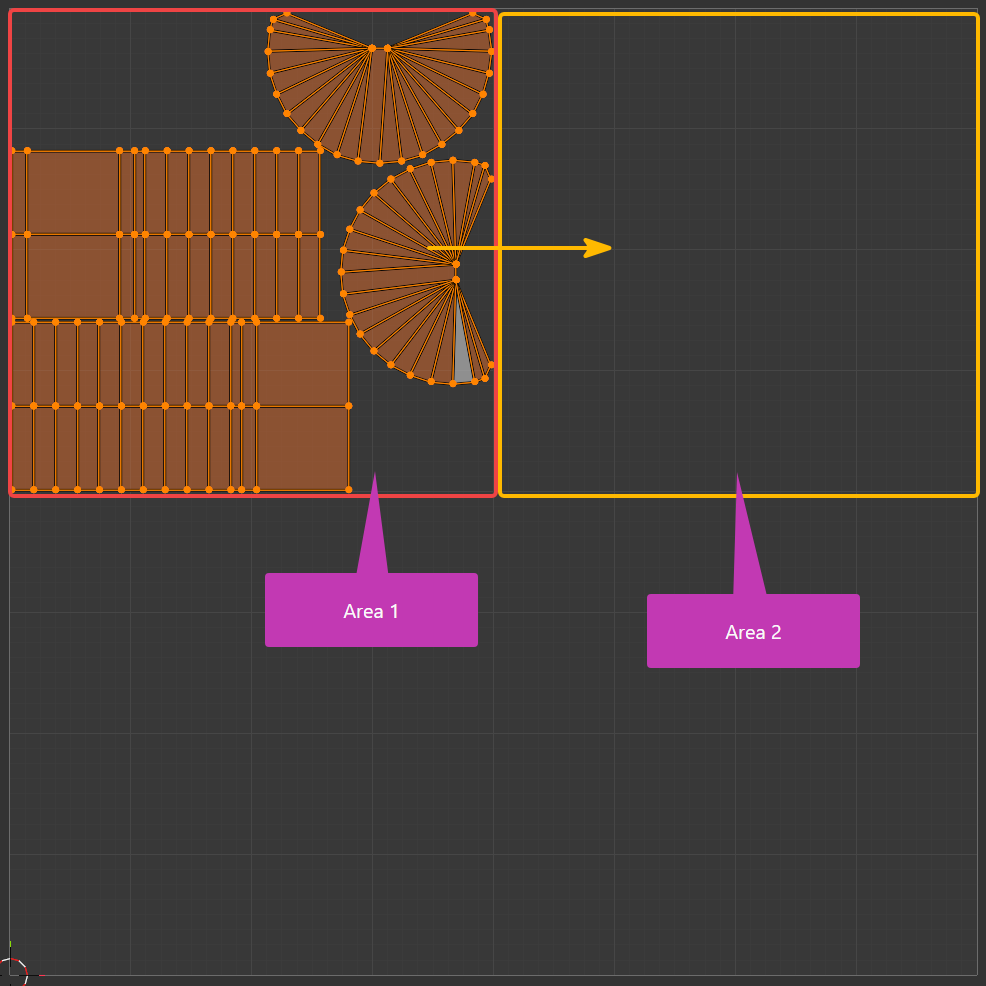
I would like to create a texture on UV area 1, and then shift the UVs inside InstaMAT to paint another version on the very same texture on area 2. Is there a way to do it directly in InstaMAT without having to work with multiple projects and merging the results in an external image editor to reach this goal?
Important note: I know UDIMs but don’t want to use them.
Thank you, Chris
Example: