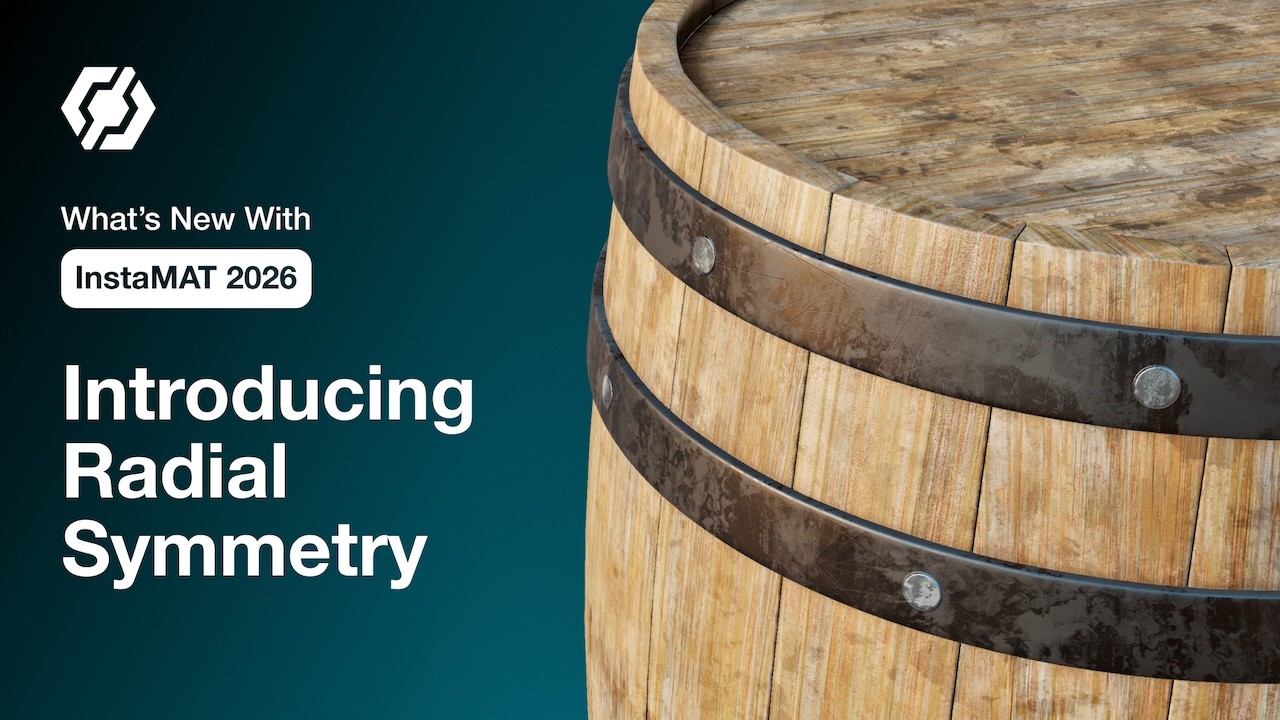
 Painting intricate, repeating designs just got a lot easier in InstaMAT Studio.
In this video, you’ll learn how radial symmetry in InstaMAT Studio lets you create intricate repeating designs quickly, with full control over axis, count, angle span, and how symmetry projects onto complex assets.
 Choose your symmetry mode and paint repeating strokes around a central axis
 Switch axes and reposition the center with plane origin or the W translate gizmo
 Increase the brush count for denser detail, or adjust angle span for partial arcs and sweeping patterns
 Utilize raycasting for better results on meshes that are not perfectly symmetrical
 Customize previews with dots, lines, and gizmo display while you paint
Try it on props like gears, ornate pillars, and barrels to add detail quickly while keeping full control. Share your results or ask questions in the channel! We’d love to see what you create with radial symmetry.
Follow InstaMAT on X: x.com
Subscribe to Abstract’s YouTube Channel: https://www.youtube.com/@Abstract-Official