Hi, I can’t authorize InstaMAT Studio for Windows (v2.0).
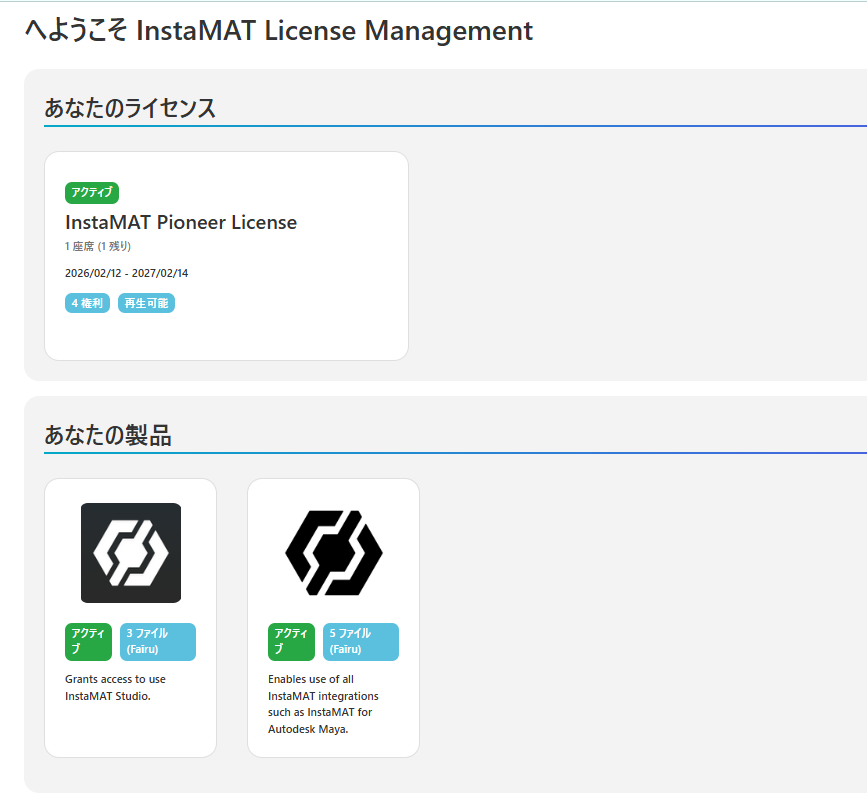
My license is a Pioneer entitlement (granted), and I’m using the same account/email. In License Management, InstaMAT Pioneer License is Active (valid dates shown), and the Studio product is also marked Active.
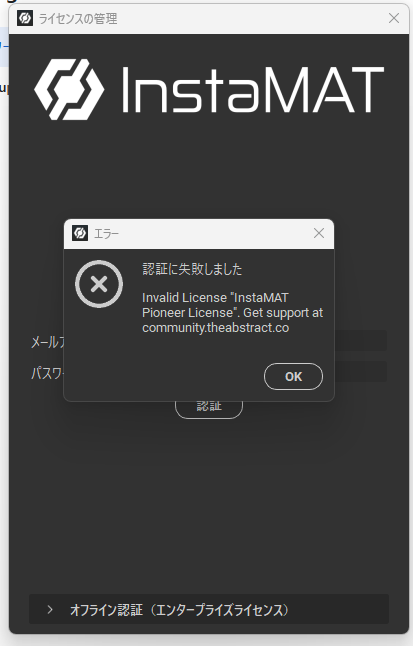
However, in InstaMAT Studio I get: Invalid License "InstaMAT Pioneer License".
Also, Activations remains empty (0) in License Management after trying to authorize.
Tried troubleshooting: correct system time (auto), no VPN, and a different network connection, but the issue persists.
No License Key is shown in Studio (only a Machine Key). I can provide my Machine Key privately (DM / support) if needed, but I prefer not to post it publicly.
Screenshots attached:
- License Management showing Pioneer License as Active
- Download page showing InstaMAT Studio for Windows (v2.0)
- The authorization error popup in Studio
Could you please check if my Pioneer entitlement is correctly linked/synced for InstaMAT Studio authorization?