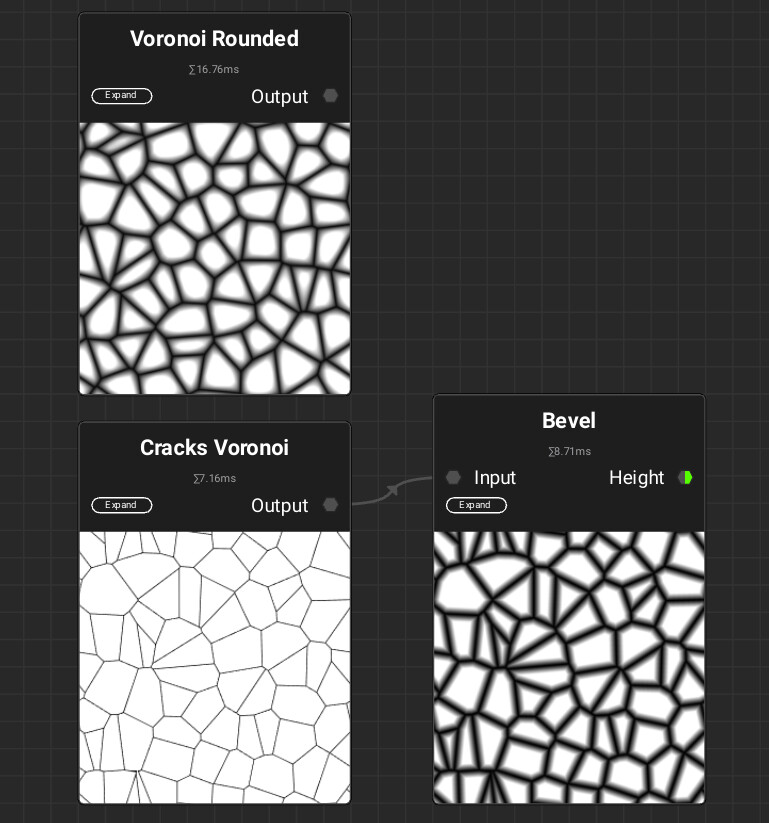
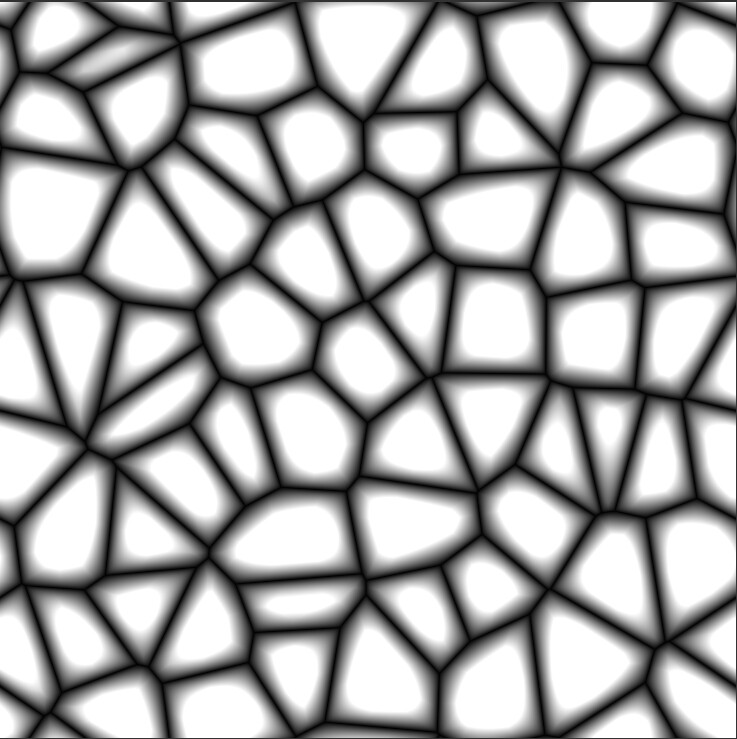
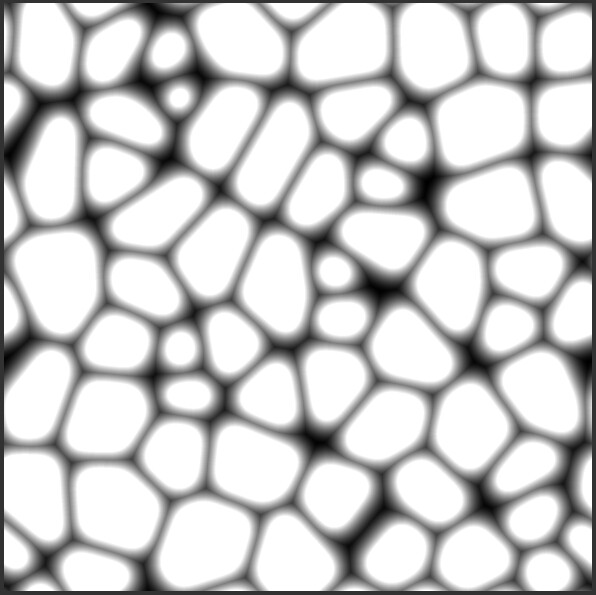
There is a node called voronoi rounded. And it has nice bevels in the voronoi pattern and I notice that the bevel looks very nicely rounded.
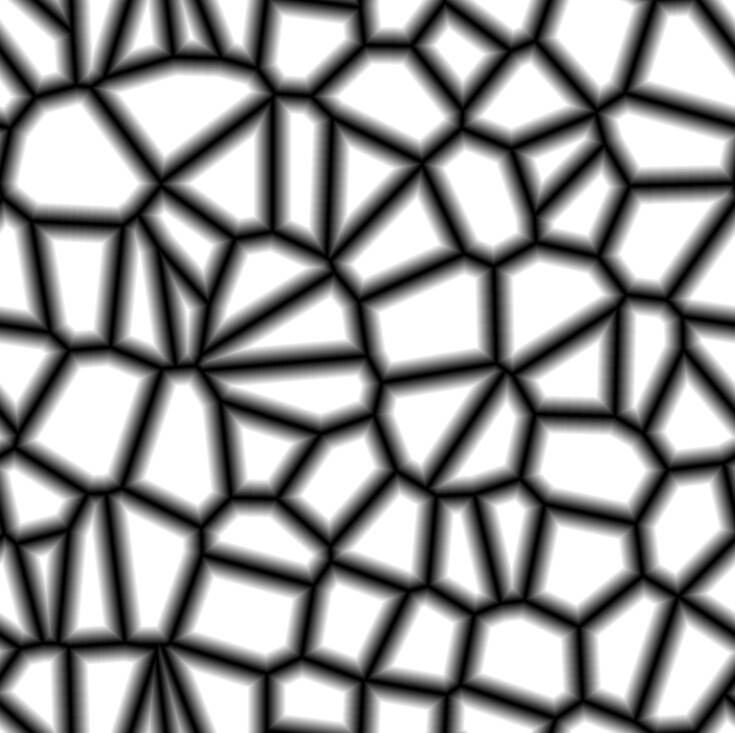
But if I add a cracks voronoi node and then bevel it using a bevel node, the bevels dont appear as well rounded and smooth at the top.
They look edgy. How can I get that smooth rounded bevel look? I tried using different kinds of blurs and softness but that doesnt quite give the correct look like “voronoi rounded” node gives.
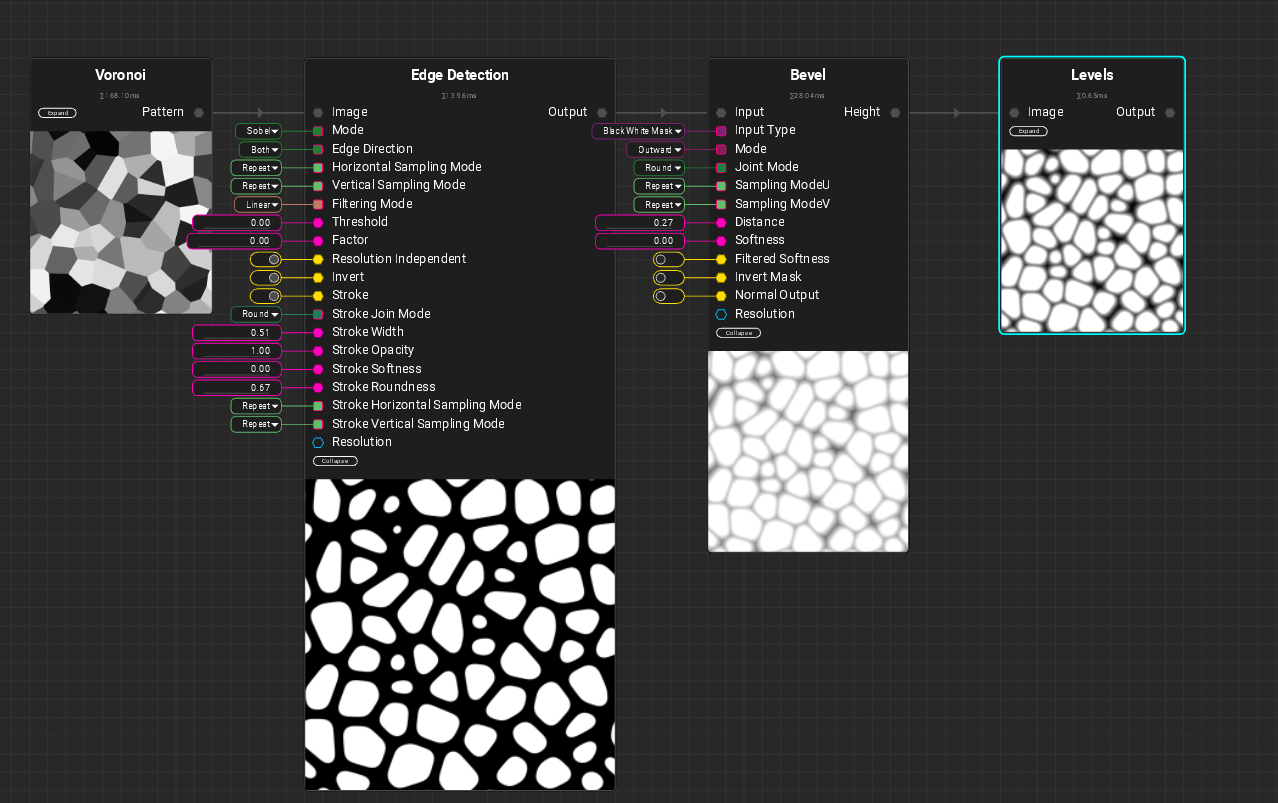
The “Voronoi Rounded” node is created using the Atom Graph. To recreate something similar, you could go the route through Voronoi → Edge Detection → Bevel:
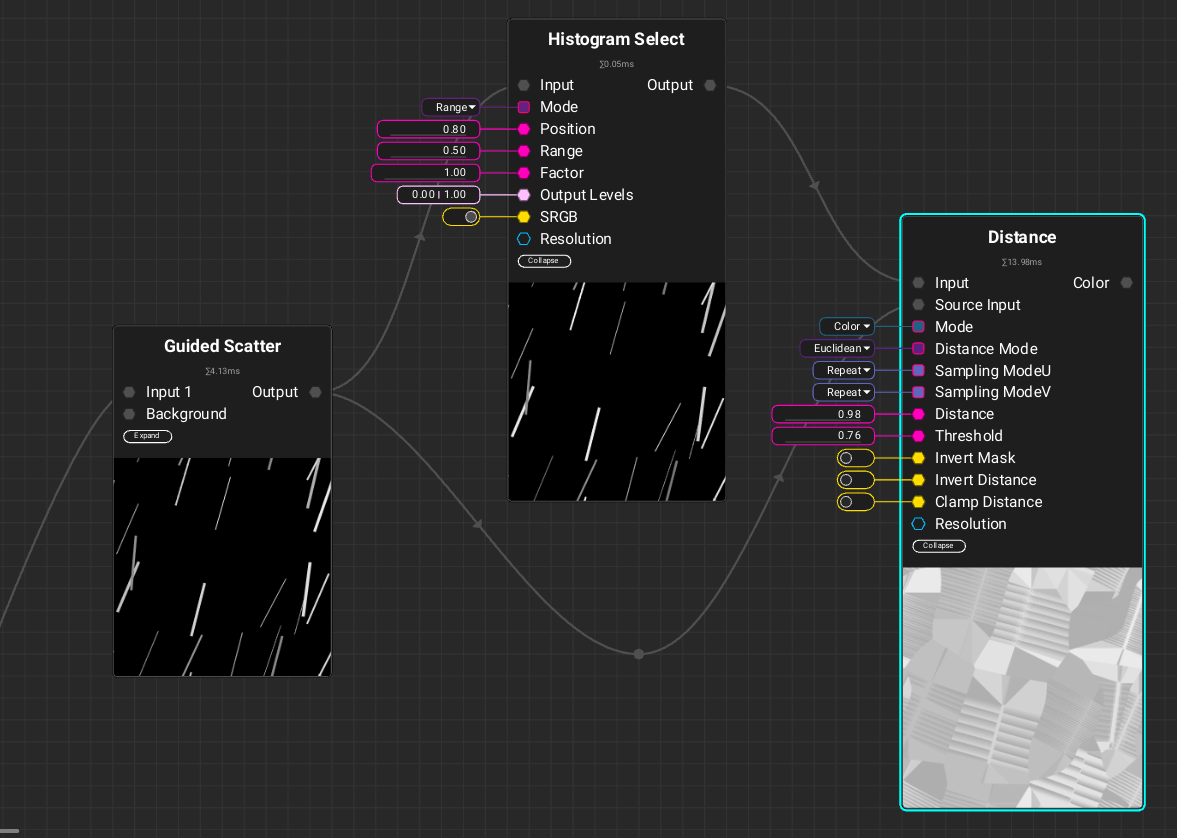
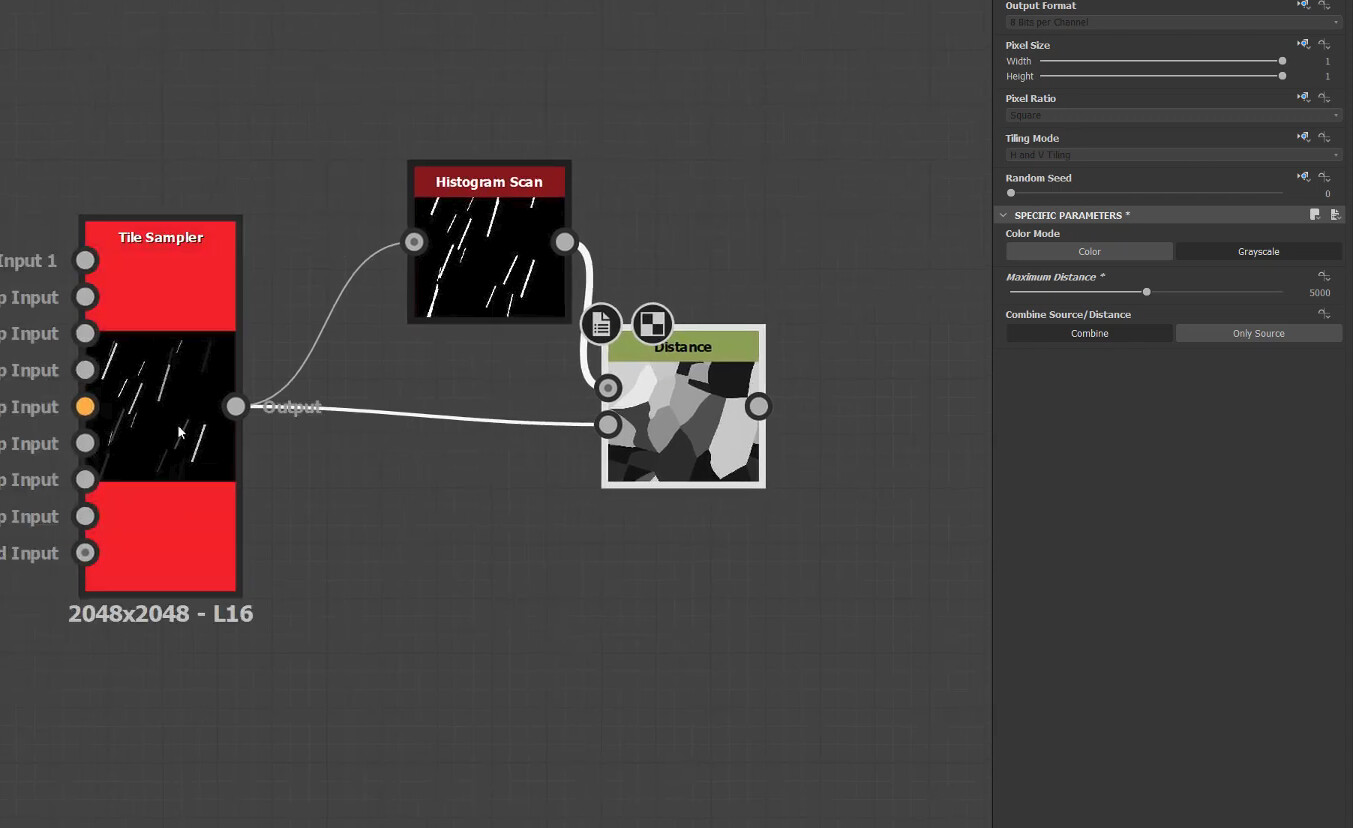
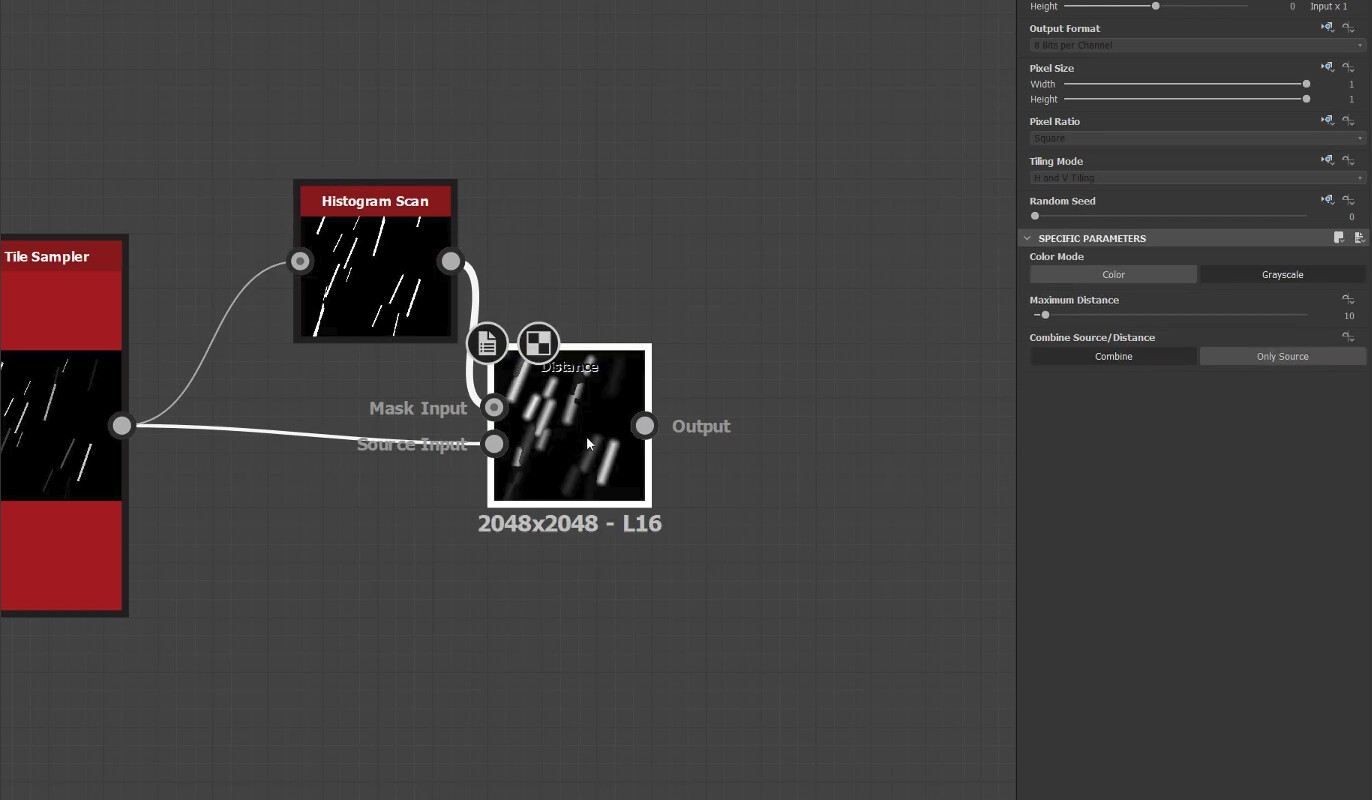
Interesting. Thank you for the helpful images. I understand it a bit better now. I do have another question, didnt think making another post would be a good idea. The distance node seems to be confusing me a bit. It looks similar to how it is in Substance Designer but it isnt acting like it does in Substance Designer.
There is color mode, distance mode, distance separate mode. Distance and Threshold values sliders. There is no max distance slider. The results dont look like how they look in case of designer. I’m not sure what I am doing wrong.
Yes, InstaMATs Distance node has a lot of settings. You can just try out what they are doing on your initial input.
For the issue, the problem here is probably that your Guided Scatter has “Filtering” set to “Bilinear Smooth”, which smoothes the output shapes a bit, while the Distance Node works best with a sharp shape input. To fix this, just set the “Filtering” to “Nearest” in your Guided Scatter node under the “Advanced” category.