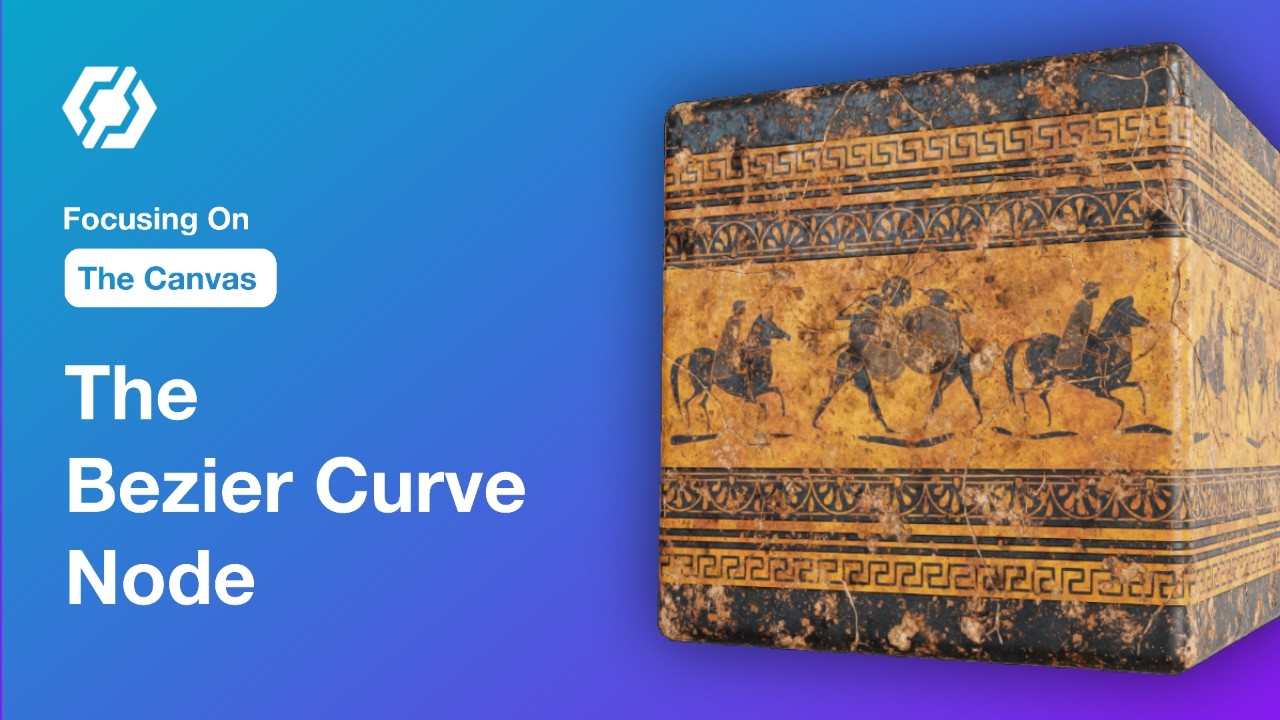
Discover how to create complex vector shapes with InstaMAT’s Bezier Curve Dynamic node.
The Highlights:
 Intuitive Curve Editor with smooth, cusp, and linear modes
 Multiple Curves in a single node + dedicated draw mode
 Background Image Support for easy tracing and customization
 Advanced Integration with Curve Mapper for scattering icons and elements
 Real-World Power demonstrated through logo creation, coin assets, and complex illustrations
This node is perfect for anyone building detailed custom shapes or looking to streamline their material workflows. The results are production-ready and incredibly flexible.
Check out the full tutorial and see how these tools can transform your projects.
Follow InstaMAT on X: x.com
Subscribe to Abstract’s YouTube Channel: https://www.youtube.com/@Abstract-Official