Hi there,
I hope my post is in the right location here. If not, please move it to the bug section so it can be seen by the developers.
I have a real problem using PNGs in my project in InstaMAT Studio v3.1 (Build: b0df13c).
Short description of the problem:
Adding PNGs into the package.
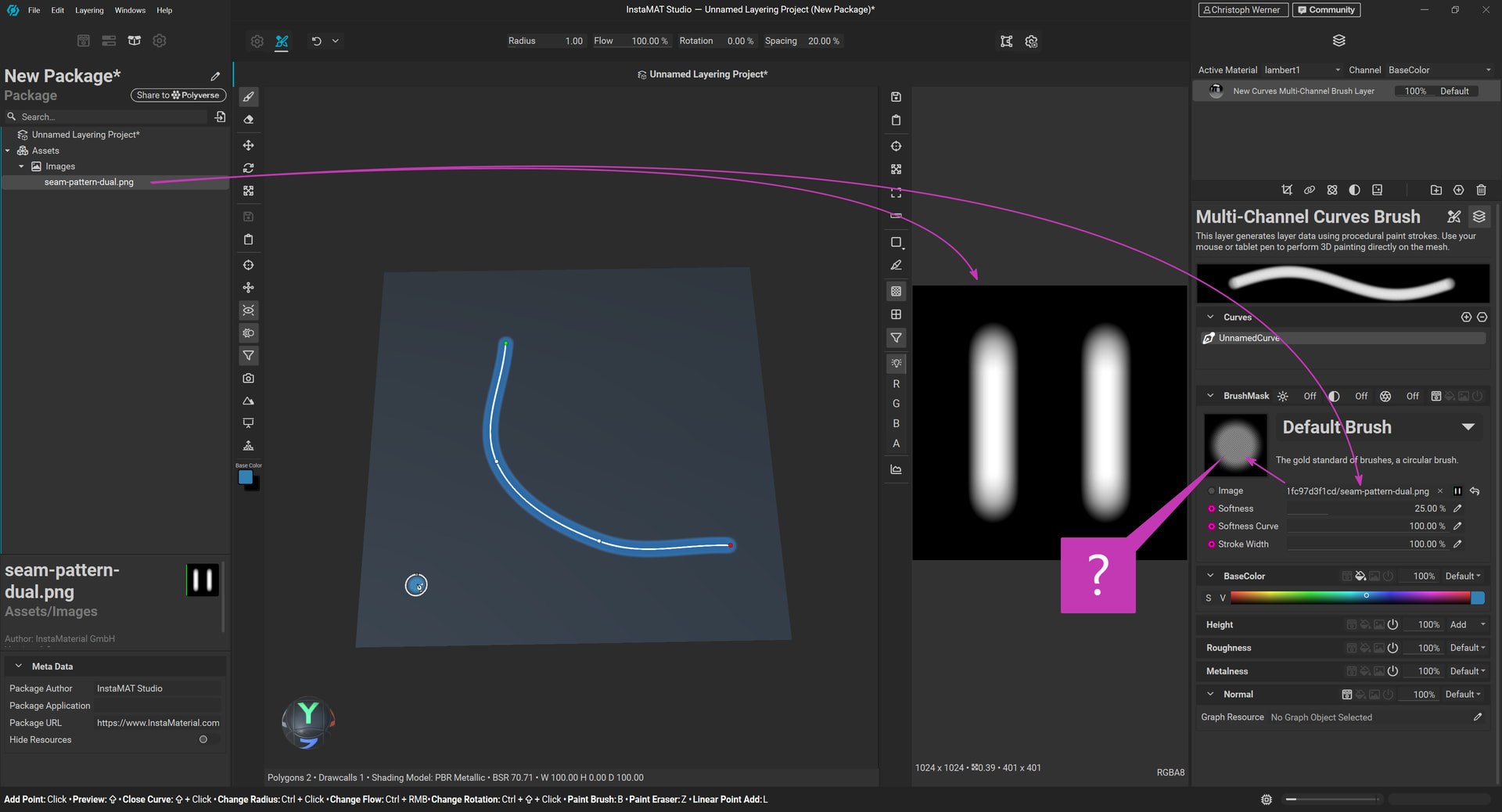
Then, dragging PNGs to brush channels displays them repeated instead of as a single image.
Directly dragging identical PNGs from an external file location to brush channel slots works as expected.
How to reproduce:
- Start a new Asset Texturing project with a simple plane mesh included in the package (no template).
- Add a new Curves Multichannel Layer brush layer.
- Paint a curve with some points.
- Switch to the Layer Channels of the active brush layer.
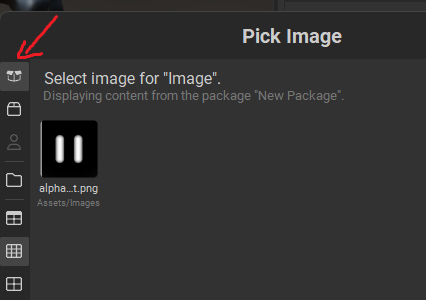
- Open the scene package and add an external PNG file by drag-and-drop. I used a grayscale 1k image.
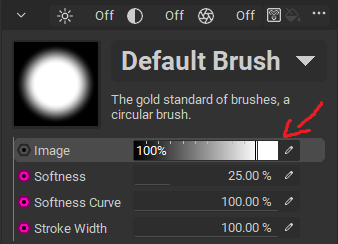
- Drag the new PNG from your package to the Image channel of your brush.
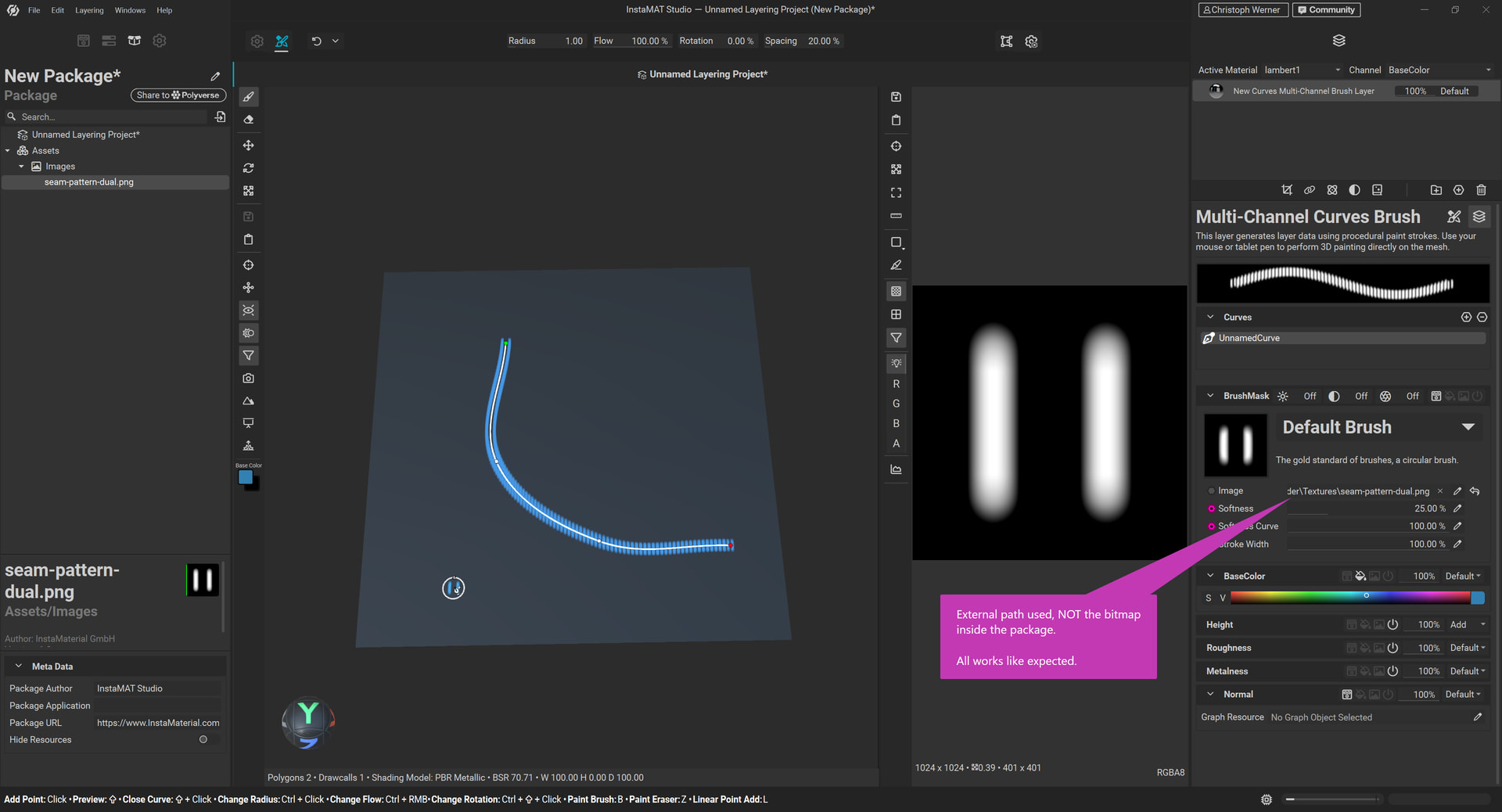
Result: The image will be displayed repeated/buggy?. See Screenshot 1. - Another try: Replace the brush image channel PNG now by dragging it from your external location directly on your hard drive (not from the package). Use your file explorer for this f.e.
Result: All works fine and as expected. See Screenshot 2.
So my question: Am I doing something wrong, or is this a bug? Trying to use custom PNGs from packages doesn’t work for any channel (Color, Normal, nor Graph resources supporting bitmaps).
I would like to use packages to add bitmaps to my projects.
Hope for help.
Regards from Germany, Chris
Screenshot 1:
Screenshot 2: