Bug: Exported normal-map inconsistently coming out with either 32bit or 8bit color despite any project or bake settings, across different materials, and background inconsistent transparency

Project has multiple materials.
When exporting, half the normal map textures come out in 32 bit HDR format, the other half come out in 8 bit.
This keeps happening no matter what I set the viewport bit-depth or export override bit-depth.
At the same time, all the exports with 8-bit normal maps seem to import the alpha as opacity into Affinity Photo, where as the 32-bit normal maps have “unassociated alpha”.

I can’t upload zips or tiffs in here apparently so here is some lazy screenshots

The following textures are from the same bake, same present, after opening and closing instamat several times and changing settings back and forth doing many bakes.
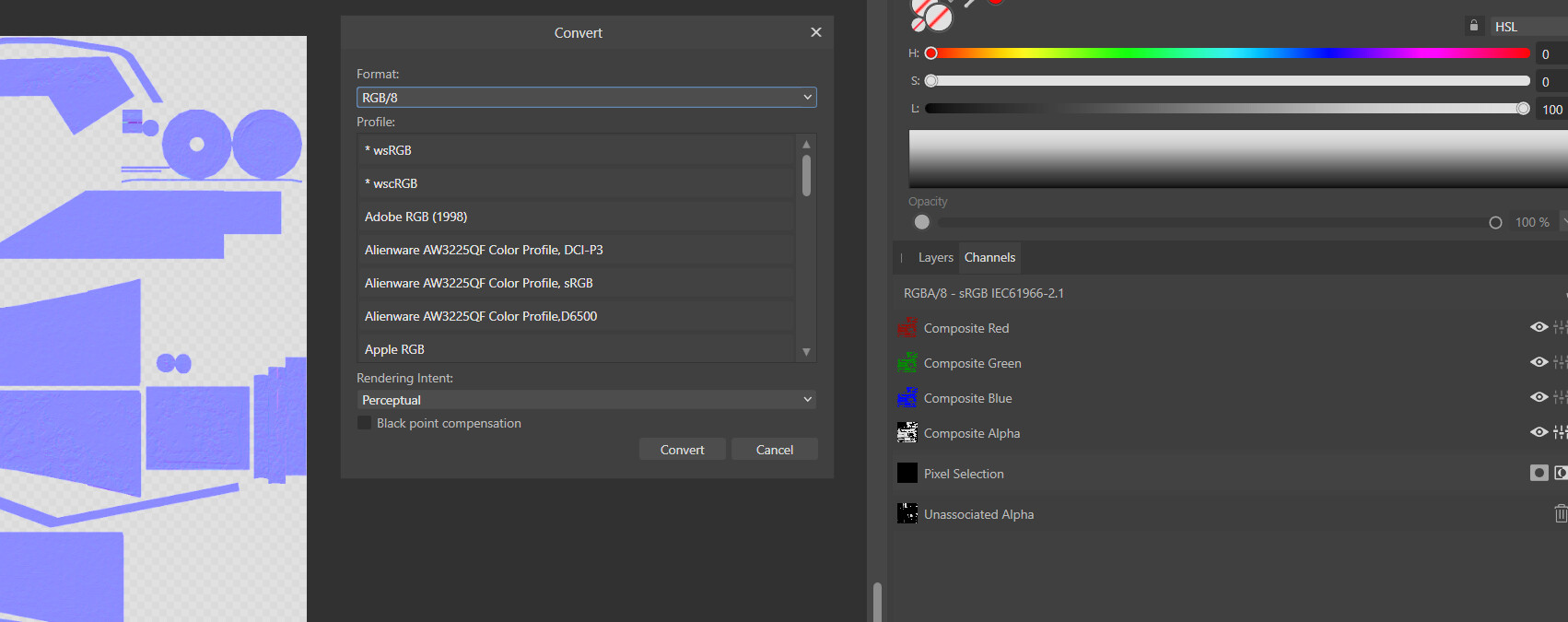
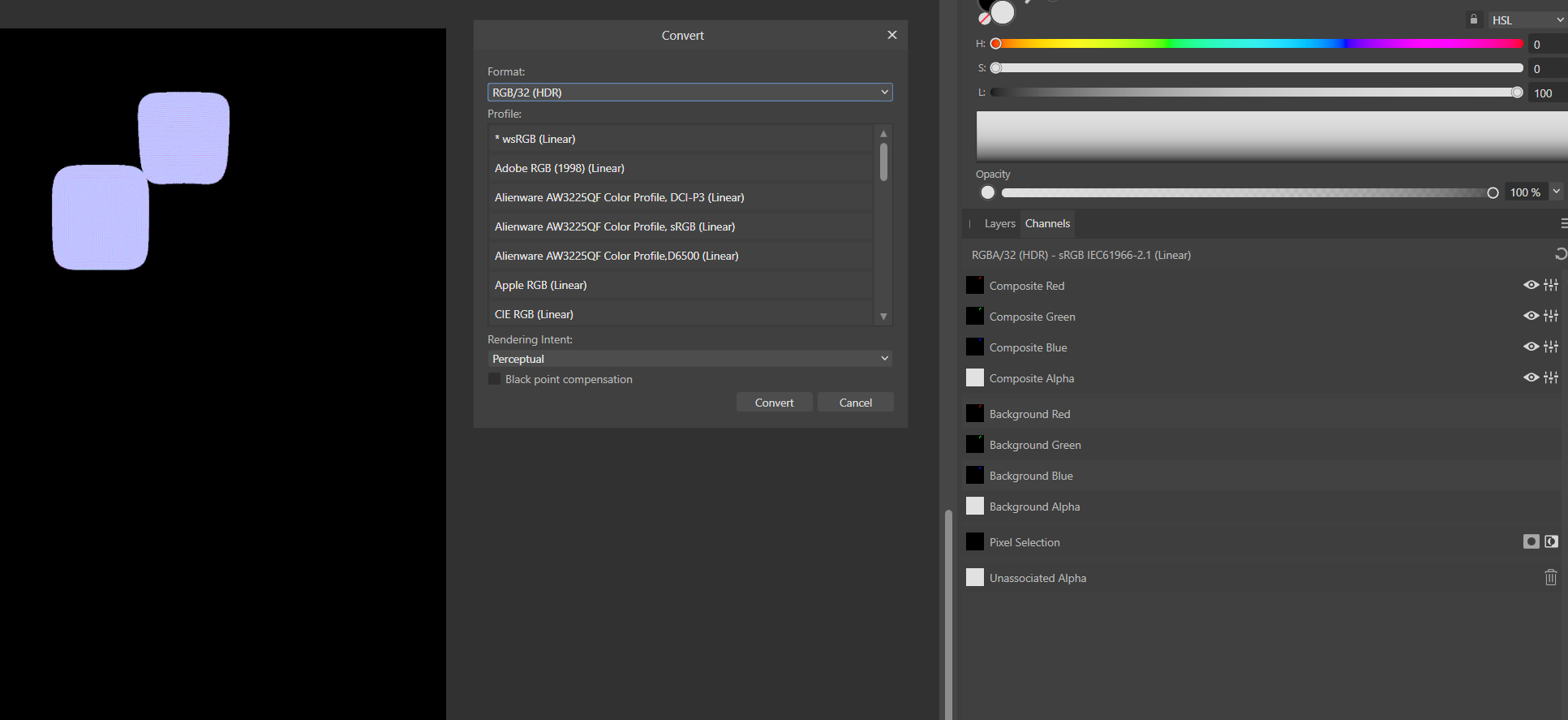
I have like 10 of these now i need to manually convert per asset :frowning:

update -
you can work around this by putting extra layers on top of every material’s layer stack that multiplies Opacity by 1. This causes all textures to export consistently and correctly!

Hello @kitmat and welcome to our community!

Thanks for reaching out.

Would you be able to provide the InstaMAT Package (.IMP) file to help us narrow down the specifics of the project so that we can further investigate the behavior?

Thanks again!

Hello @kitmat,

additionally, can you post a screenshot of your export settings please?

Thanks!

1 Like