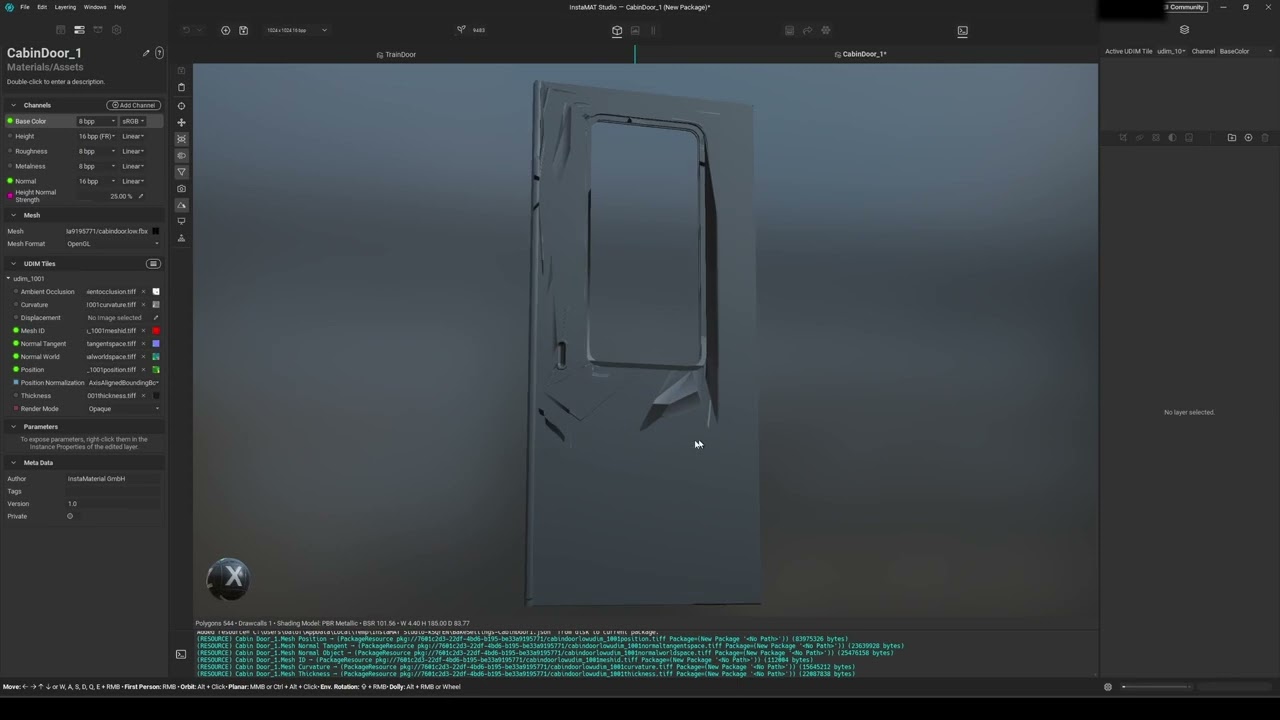
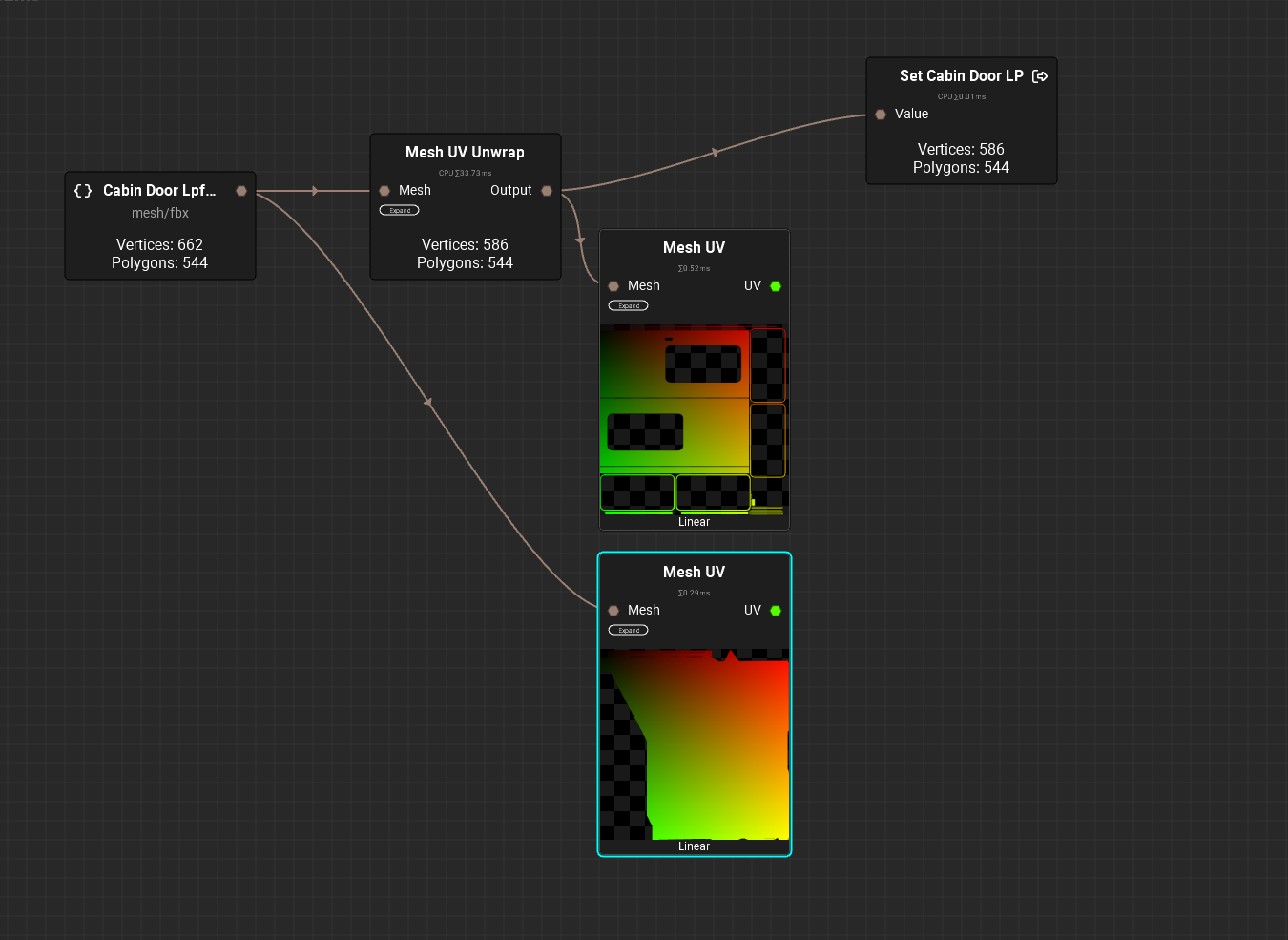
Issue: When baking From High to Low poly I get seemingly nonsensical artifacts and Normal Map orientation
2026-03-17T07:00:00Z
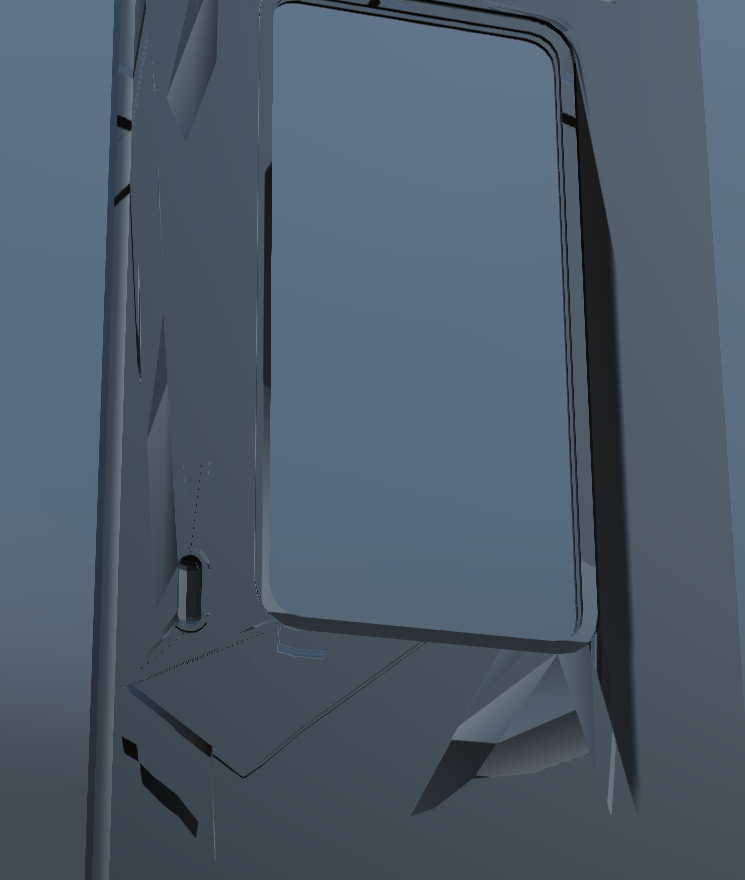
I’m making train doors and was able to bake one perfectly, but after modifying the door and trying again I’m met giant Normal errors across the entire model and the maps themselves don’t match the UV’s or really make any sense at all, I’ve Looked through some forum posts but most don’t share my issue.
Things I’ve tried:
-Resetting and also averaging normals
-Changing and also completely redoing some of the relevant topology
-Increasing the Island Margin on the UV’s
-Deleting and remaking the High Poly fresh by duplicating the Low Poly
-Deleting and Remaking InstaMAT projects
-Adjusting Super sampling, resolution, and bake device from CPU to GPU, changing the Image File Format Extension, and trying both higher and lower Outwards and Inwards Ray lengths
- both applying modifiers in blender and leaving them
-applying all transforms
-moving model to be center of the world origin
with all of this the artifacts are not always the same, but share the same type of issue, weirdly placed and facing normals, some appear to stretch, bunch and ripple. all of this is very confusing to me.
In the video I start by showing the Successful train door and then go and try to bake the new one, then i end showing some of the low poly topology and UVs
(Sorry about the YT video I couldn’t upload straight to the forum)