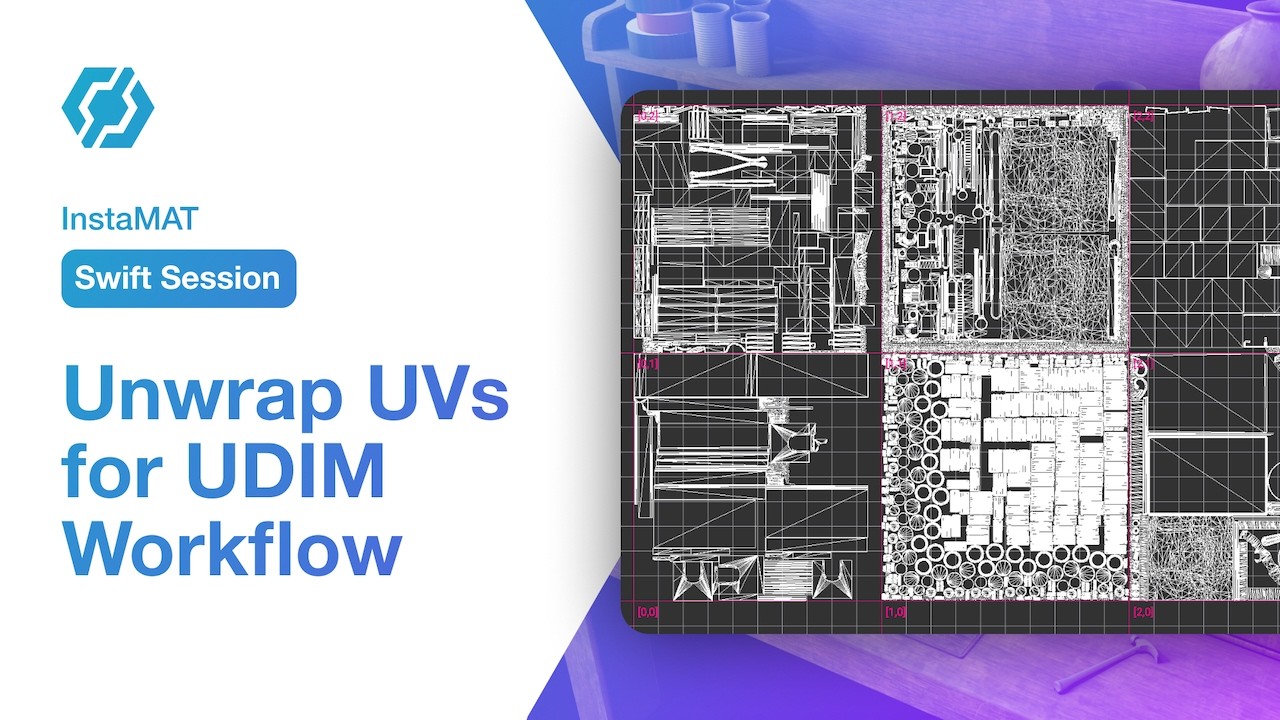
Learn how to unwrap UVs for the UDIM workflow in InstaMAT Studio with the Element Graph.
Video Key Points:
-
 Start with a complex, multi-part mesh and prep it for UDIM unwrapping
 -
 Unwrap UVs per material section to keep each part clean and consistent
 -
 Distribute each section into its own UDIM tile
 -
 Preserve texel density and keep more texture resolution where it matters
Take advantage of the Element Graph’s ability to work with both images and meshes in the same graph to create powerful asset creation workflows! Happy unwrapping!
Follow InstaMAT on X: x.com
Subscribe to Abstract’s YouTube Channel: https://www.youtube.com/@Abstract-Official