Hi InstaMAT team,
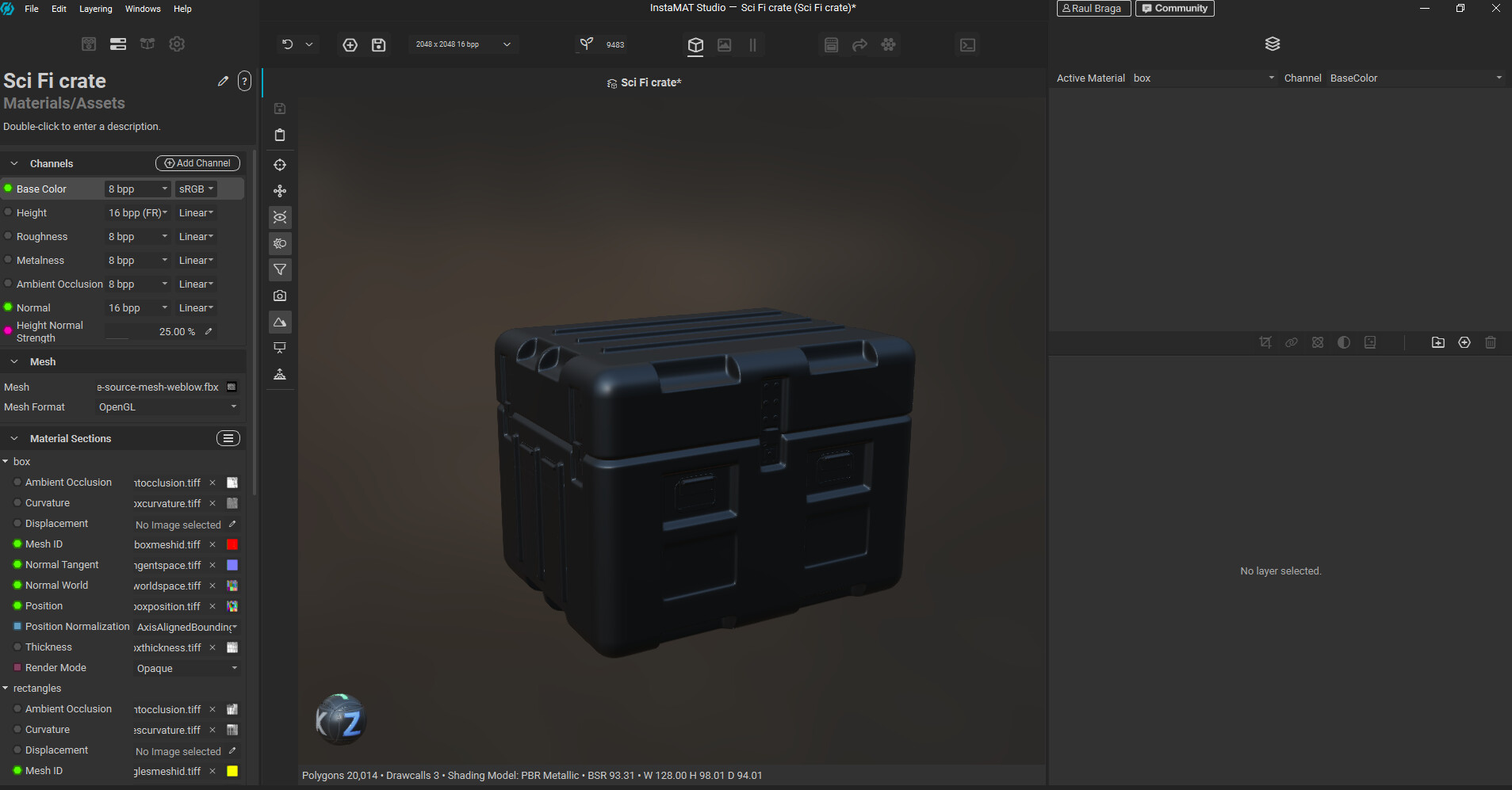
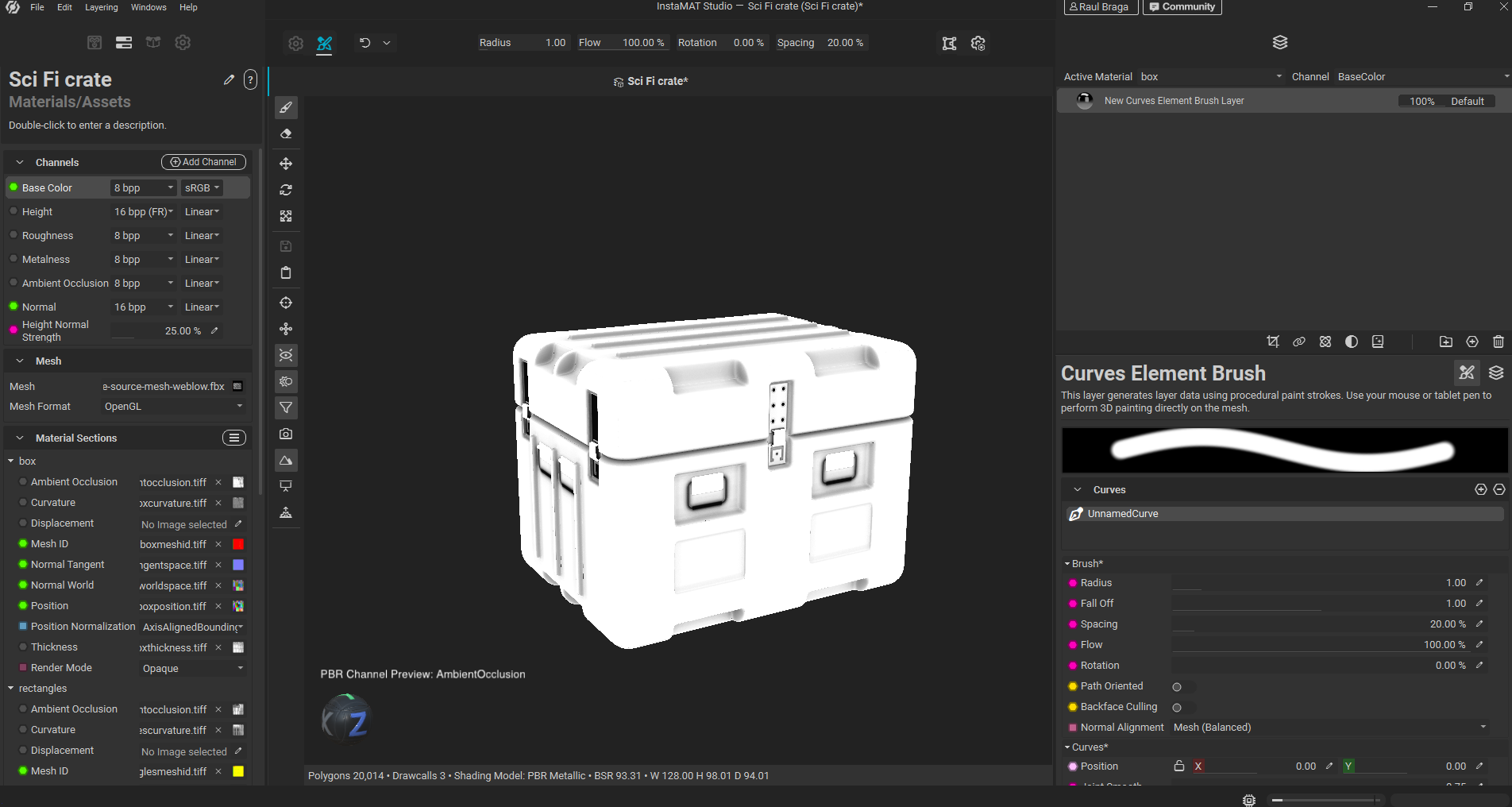
I think I found a viewport/channel preview refresh bug in InstaMAT Studio.
Version
InstaMAT Studio 2026 v3.1
Build: May 7 2026, b0df13c
InstaMAT SDK v3.4
InstaLOD SDK 2026 v7.5
Project
Layering/material asset project using the Sci Fi crate tutorial/package (but i have confirmed in other meshes it happens)
Issue
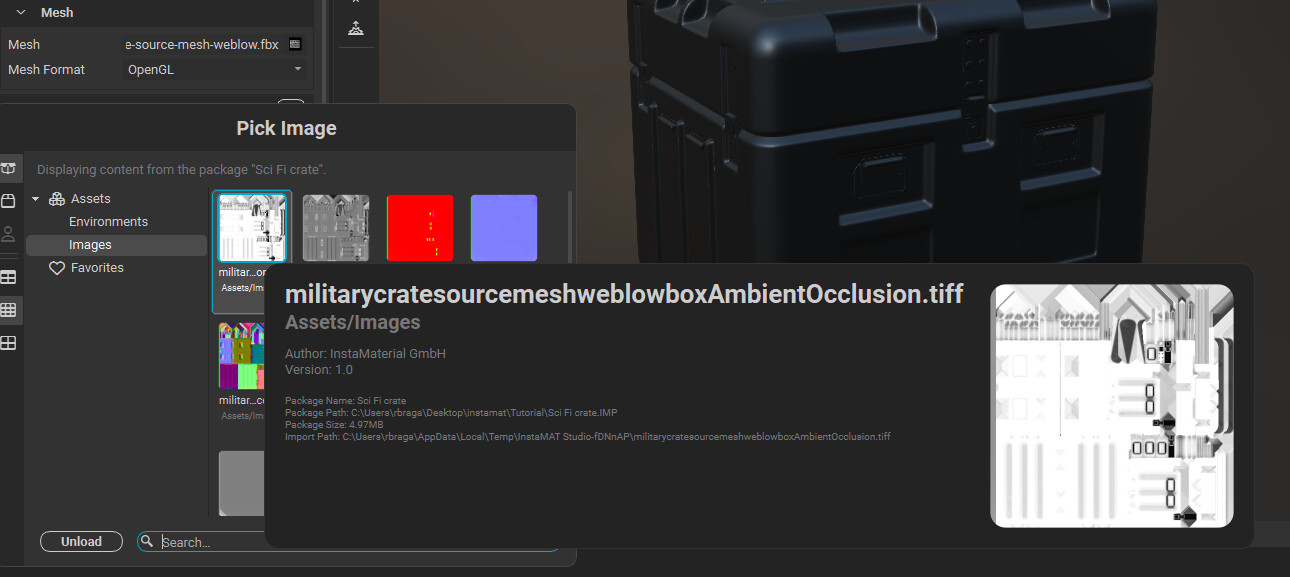
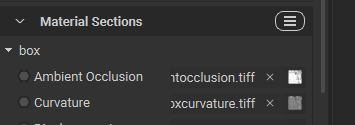
The Ambient Occlusion texture is assigned correctly under the material section, and the texture itself contains valid AO data.
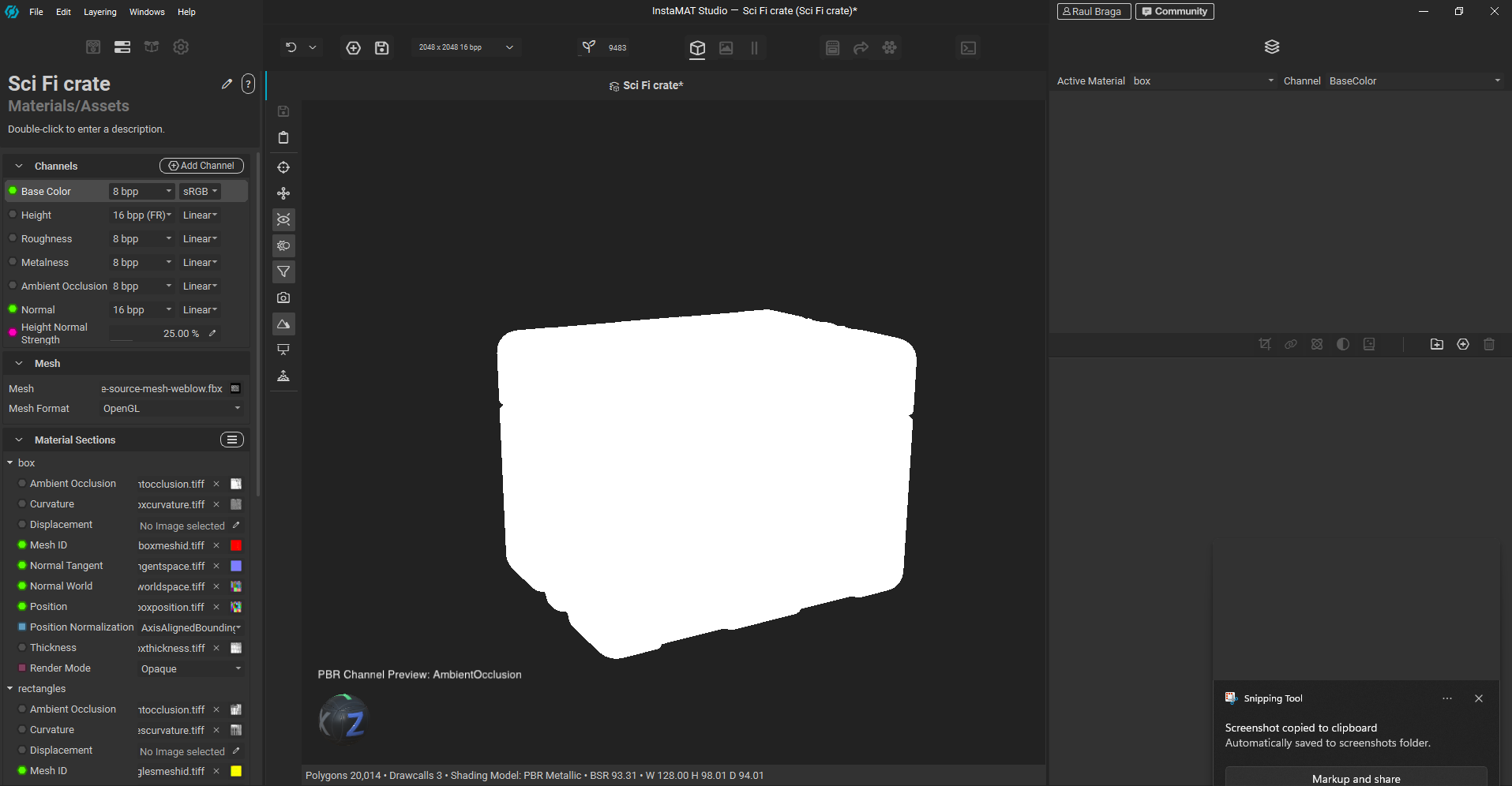
However, when I switch the viewport to PBR Channel Preview: AmbientOcclusion, the model appears completely white and the AO details are not visible.
The strange part is that if I create any layer, for example:
-
Element Layer
-
Multi Channel Brush Layer
-
Element Brush Layer
-
Multi Channel Curve Brush
-
Curves Element Brush Layer
the AO preview immediately updates and displays correctly, even if I do not paint anything. Simply creating the layer is enough to make the AO appear (not a multi channel layer tho).
Steps to reproduce
-
Open the project.
-
Bake Textures
-
Add the Ambient Occlusion channel on the left panel
-
Switch viewport to PBR Channel Preview: AmbientOcclusion.
-
The mesh appears mostly white and the AO details are not shown.
-
Remove and reassign the same AO texture: same issue.
-
Save, close, and reopen the project: same issue.
-
Create any brush/element layer without painting.
-
The AO preview immediately updates and displays correctly.
Expected result
The Ambient Occlusion channel preview should display the assigned AO texture immediately after it is assigned or after opening the project.
Actual result
The AO channel preview does not update correctly until an unrelated layer is created.
This looks like a viewport/channel preview refresh or cache invalidation issue.
Sending screenshots