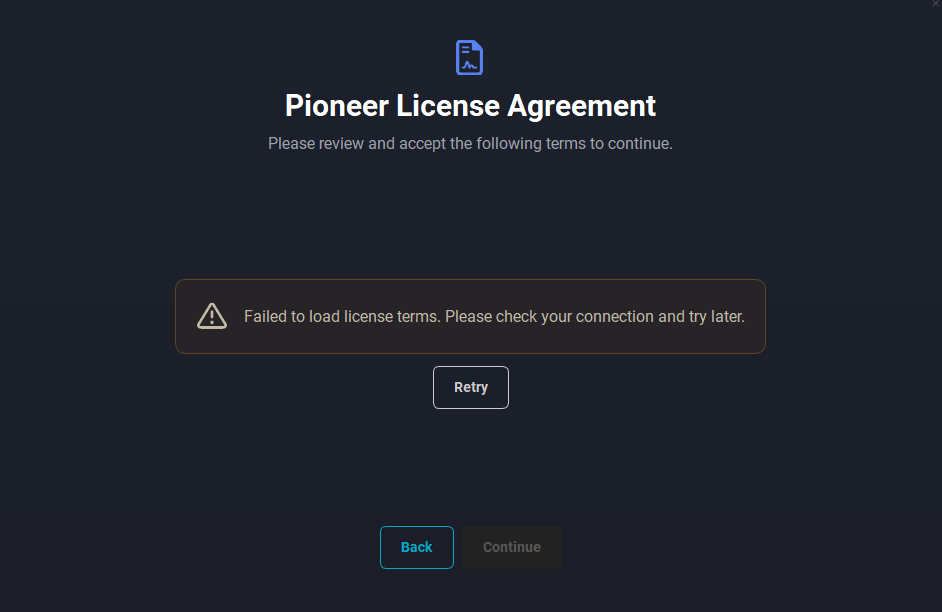
I’ve been using InstaMAT for about a year now and was going to get a new license. However, when I went to reapply for the Pioneer and Pro licenses, I was greeted with a “Failed to load license terms. Please check your connection and tried again”.
I’ve tried so far
Waiting a day
Restarting my PC
Using a separate PC
Uninstalling and reinstalling instaMAT
Flushing my DNS
Resetting my network settings to factory
And disabling all firewalls (I do not have a VPN)
General Specs:
Processor AMD Ryzen 7 8700G w/ Radeon 780M Graphics (4.20 GHz)
Installed RAM 16.0 GB (15.1 GB usable)
Graphics card NVIDIA GeForce RTX 5060 (8 GB)
AMD Radeon 780M Graphics (512 MB)
System type 64-bit operating system, x64-based processor
Windows 11 home, build 26200.9457