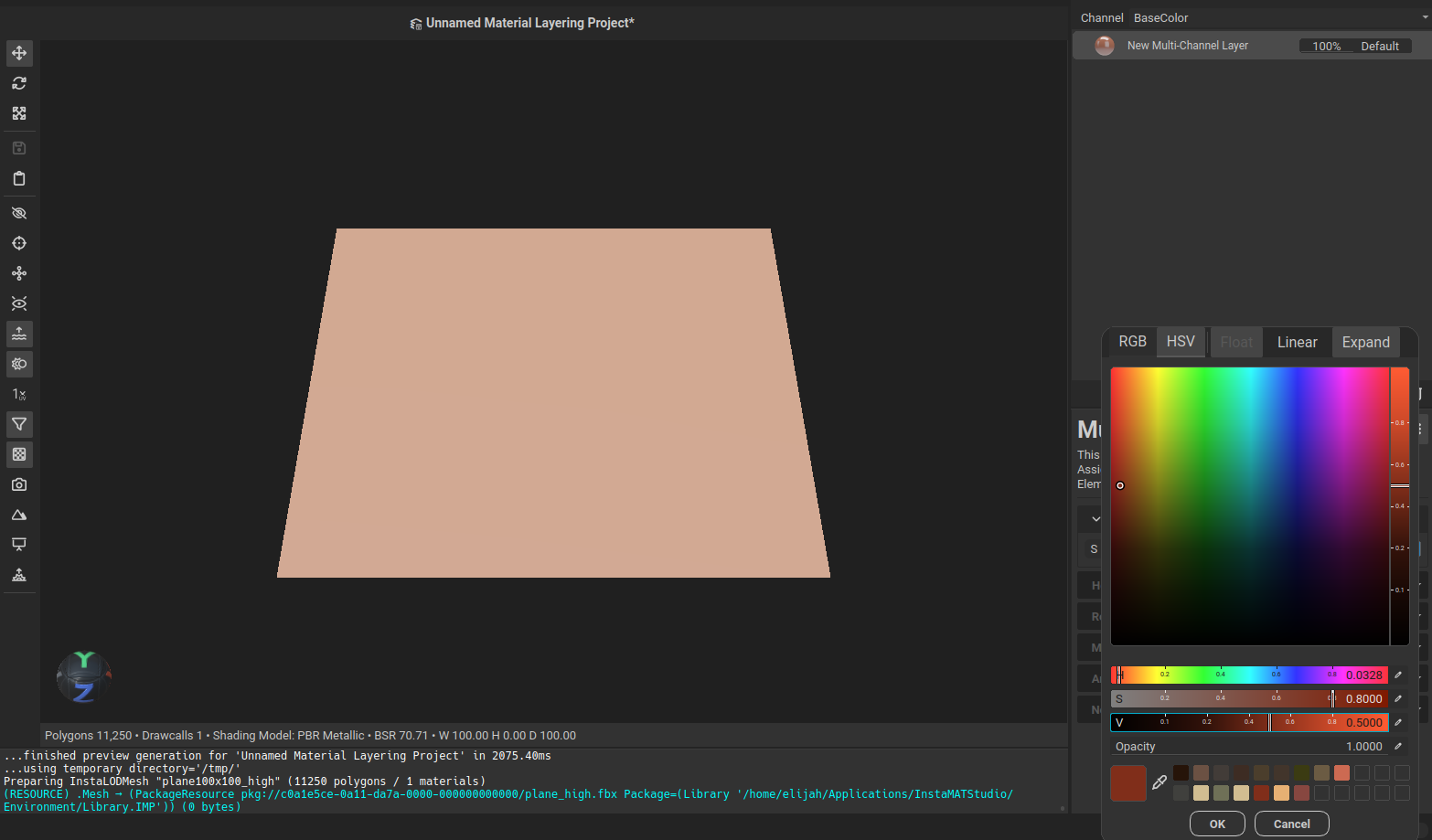
Input color and viewport color dont match in Multi channel layer color in material layering
Is this normal? I dont recall having any problems with multi channel layers before. I know that typically they are used to add a layer on top of other materials that are already added. But in this specific case, when there is no material underneath, shouldnt the color of the plane in the viewport match the color of the thumbnail of the currently assigned color in the picker box? Just curious as to whether I am mistaking something.